Skip to content
Sekriva

Features

Everything Sekriva does, explained

Each feature below is described the way it works in the application today. Where something depends on an outside service, such as SSM's portal, MyInvois or a messaging provider, we say so.

Where every day starts

Command Centre

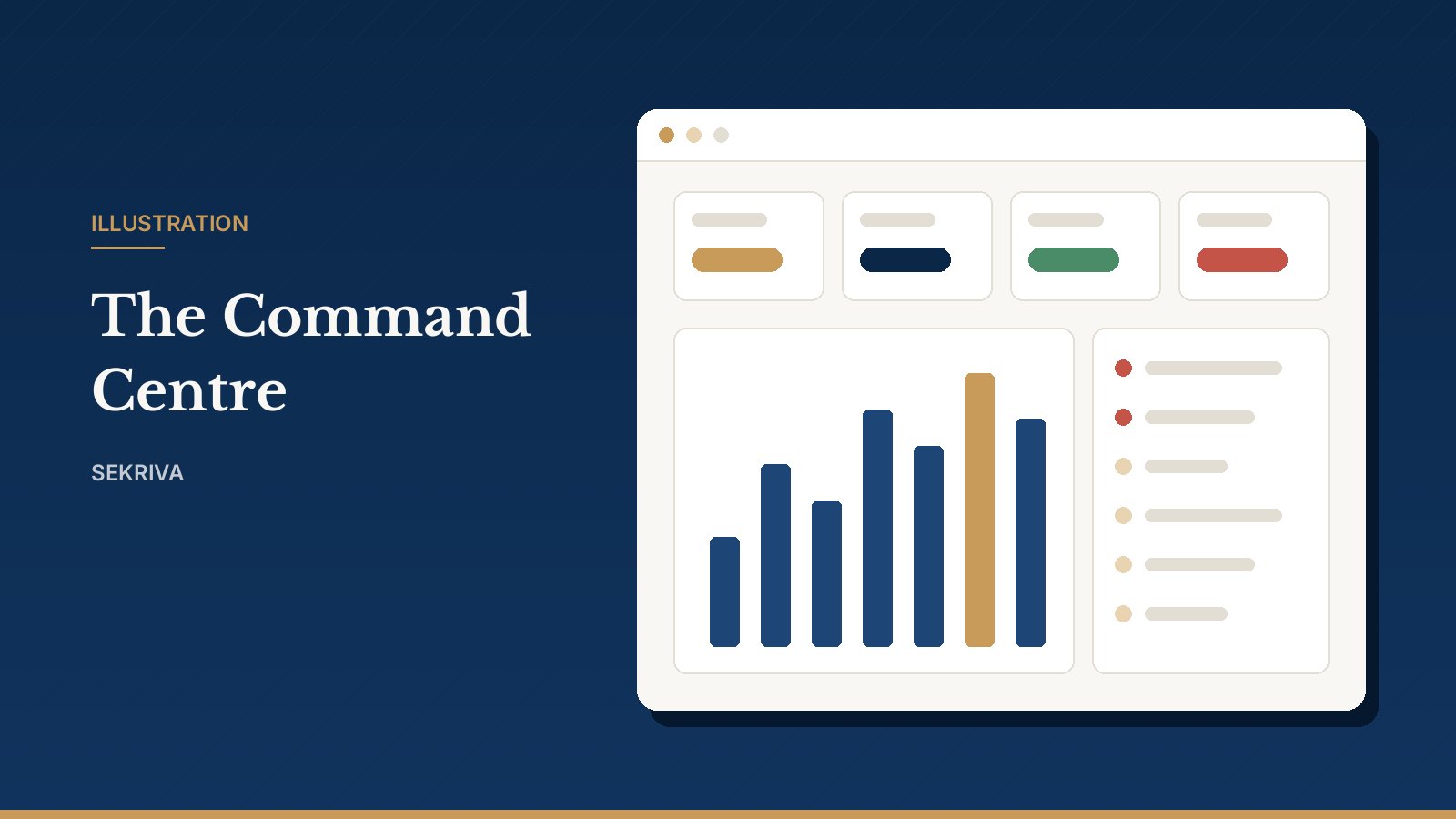
Your daily overview: company counts, compliance health, upcoming statutory deadlines, tasks and approvals waiting for you, recent activity and revenue. Click any stat card to drill into the filtered list; red deadline chips are overdue or due within 7 days.

  • Global search across companies, people and documents (Ctrl+K)
  • In-app notifications for approvals, requests and deadlines
  • Compliance scores recalculate whenever obligations change
Read: a tour of the platform
Illustration: Sekriva Command Centre dashboard

Area 1 of 6

Company secretarial records

One registry for every company you act for, with the people, shares and registers that belong to it.

Company Registry & Company Hub

Every company your firm acts for, with SSM registration number, incorporation date, financial year end, addresses, officers, shareholders, obligations, filings and documents. Each company has a hub with tabs for officers, capital, compliance, documents, tasks and activity.

  • Deleting a company archives it; history is never lost
  • Changing the FYE or incorporation date regenerates forecast obligations
  • Every change is captured in the activity audit trail
Read the full explanation
Illustration: Company Registry & Company Hub

Directors, Officers & People

Add a person once and link them to many companies as director, secretary, shareholder or beneficial owner. Appointments and resignations are recorded with dates, and ceased officers stay in the register.

  • One person record, many appointments
  • Identity numbers masked unless your role can view sensitive data
  • Corporate shareholders with their own ownership chain
Read the full explanation

Shareholders & Share Capital

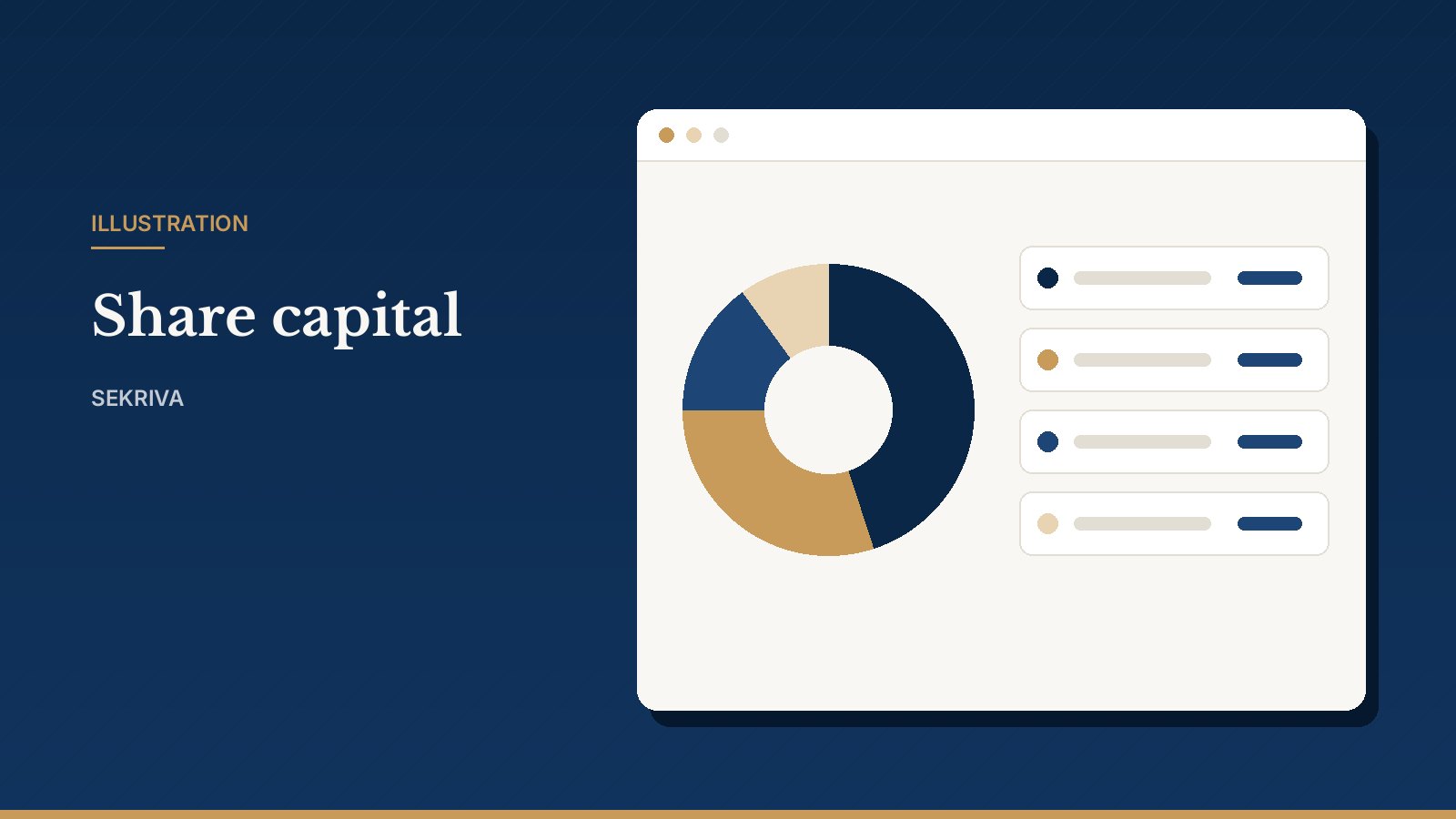
Share classes, holdings, allotments, transfers, buy-backs and share certificates. One action updates the holdings, the register of members and the certificate together.

  • Capital table and ownership chart per company
  • Transfers larger than the current holding are rejected
  • Stamp duty reference recorded on each transfer
Read the full explanation
Illustration: Shareholders & Share Capital

Beneficial Ownership

Click Calculate and Sekriva traces direct and indirect ownership through corporate shareholders to the natural persons behind each company, multiplying percentages along every chain.

  • Highlights owners at or above the 20% threshold
  • Records control criteria, notification date and evidence
  • Circular ownership and totals above 100% are rejected
Read the full explanation

Statutory Registers

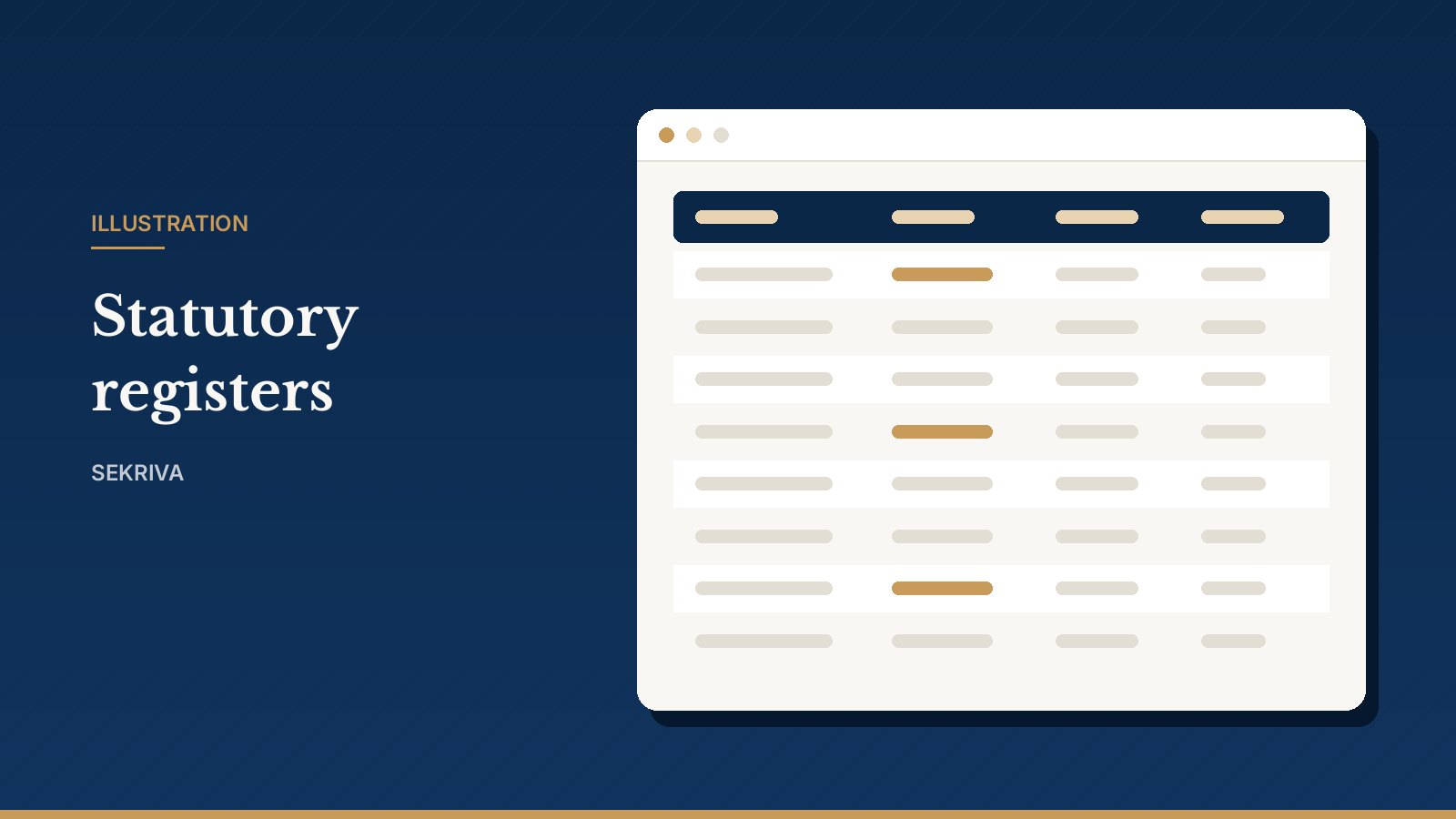
Live registers generated from your records: members, directors, secretaries, beneficial owners, share transfers, allotments, certificates and charges. View members and directors as at any past date.

  • Export to PDF or Excel
  • Take a snapshot before major changes
  • Always in sync with share and officer changes
Read the full explanation
Illustration: Statutory Registers

Area 2 of 6

Compliance & filings

Deadlines are worked out for you, and every lodgement is tracked from draft to accepted.

Compliance Calendar

Statutory deadlines generated for each company: annual returns, financial statements, AGMs, beneficial ownership reviews and tax returns, in a calendar or list view, with an owner for every obligation.

  • Annual return due within 30 days of the incorporation anniversary
  • Extensions recorded without losing the original due date
  • Daily deadline reminders to clients and directors
Read the full explanation
Illustration: Compliance Calendar

Compliance Rules Engine

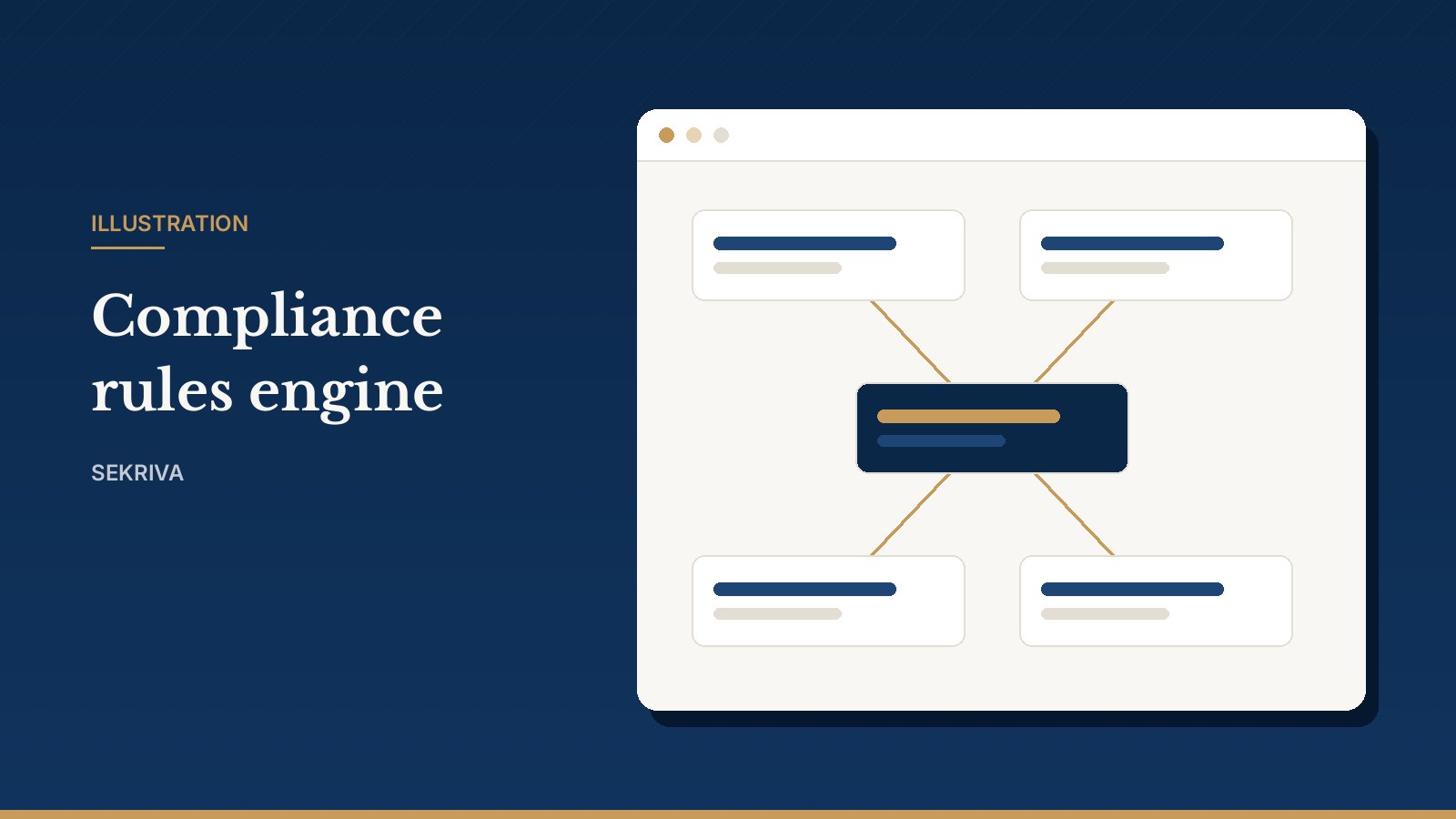
Rules decide how obligations are scheduled: anchor date, offset, recurrence, reminders and which company types they apply to. Your firm can create its own version of a rule; the old one is superseded, never overwritten.

  • Platform default rules cover AR, FS, AGM, BO review, CP204, Form C and Form E
  • Regenerate obligations for affected companies in one click
Read the full explanation
Illustration: Compliance Rules Engine

SSM Filing Management

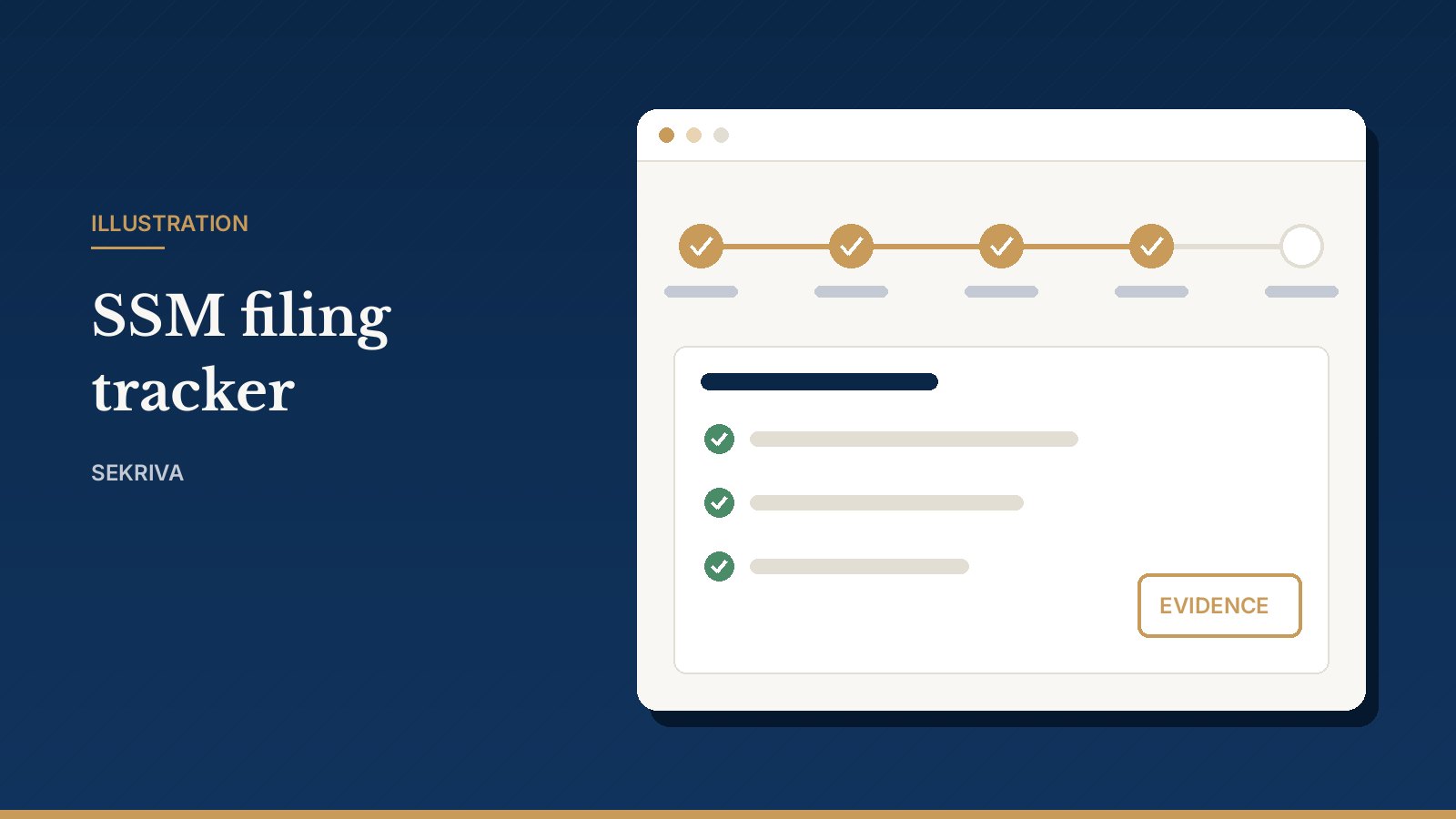
Track each lodgement through Draft, Prepared, Under Review, Ready to File, Submitted and Accepted, with pre-filing checks and supporting documents.

  • Evidence rule: never shown as submitted or accepted without evidence
  • Portal reference, acknowledgement upload or manual confirmation
  • A licensed secretary marks it ready to file
Read the full explanation
Illustration: SSM Filing Management

Corporate Actions & Resolutions

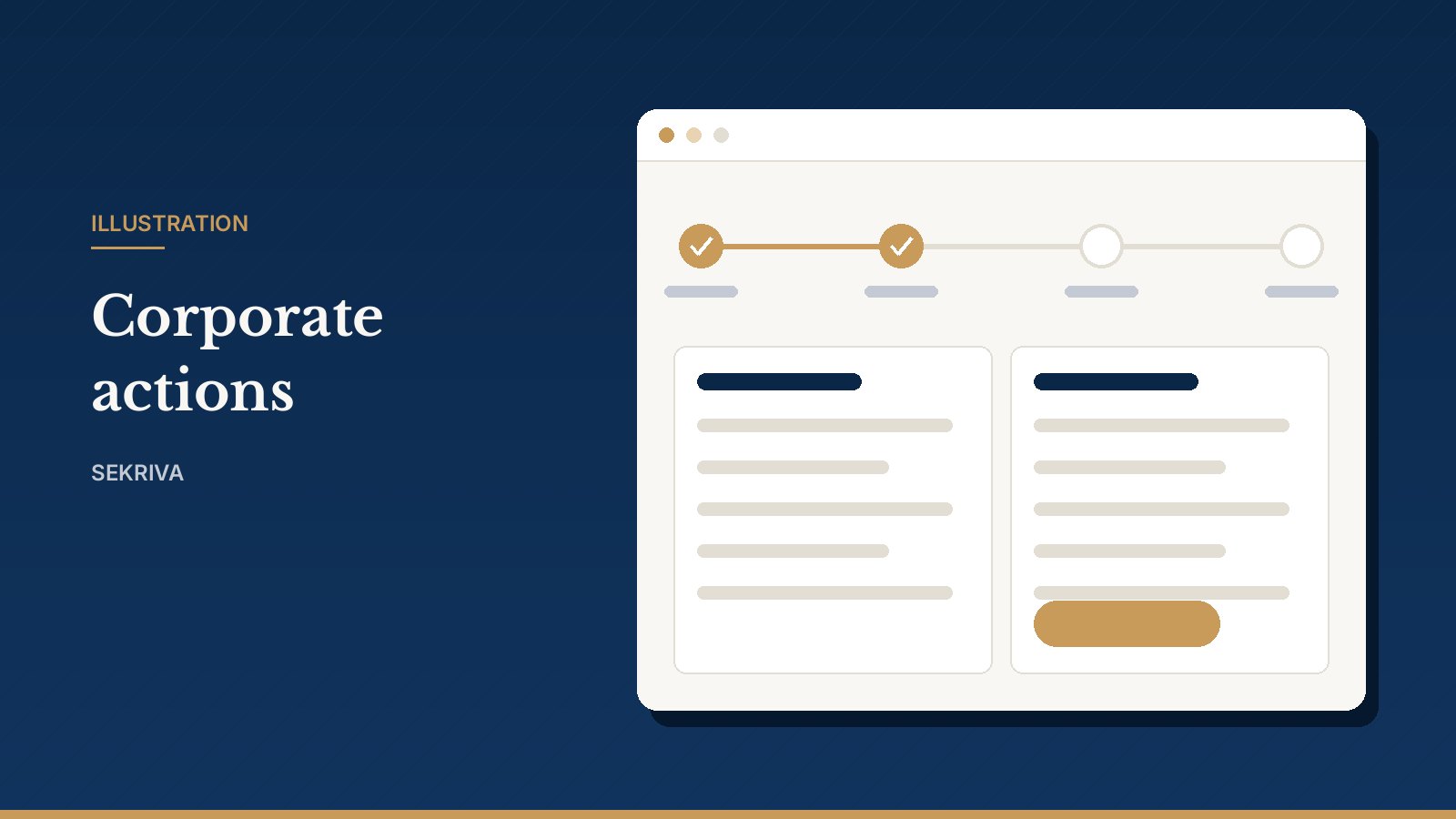
Guided workflows for director changes, share allotments and transfers, address, name and FYE changes, BO changes and bank resolutions. Tick a box to get a THAT-clause resolution you can edit and circulate.

  • Nothing changes in the registers until the action is approved and completed
  • The previous value is kept in the history
  • Resolutions recorded as passed or rejected with the date
Read the full explanation
Illustration: Corporate Actions & Resolutions

Meetings & Minutes

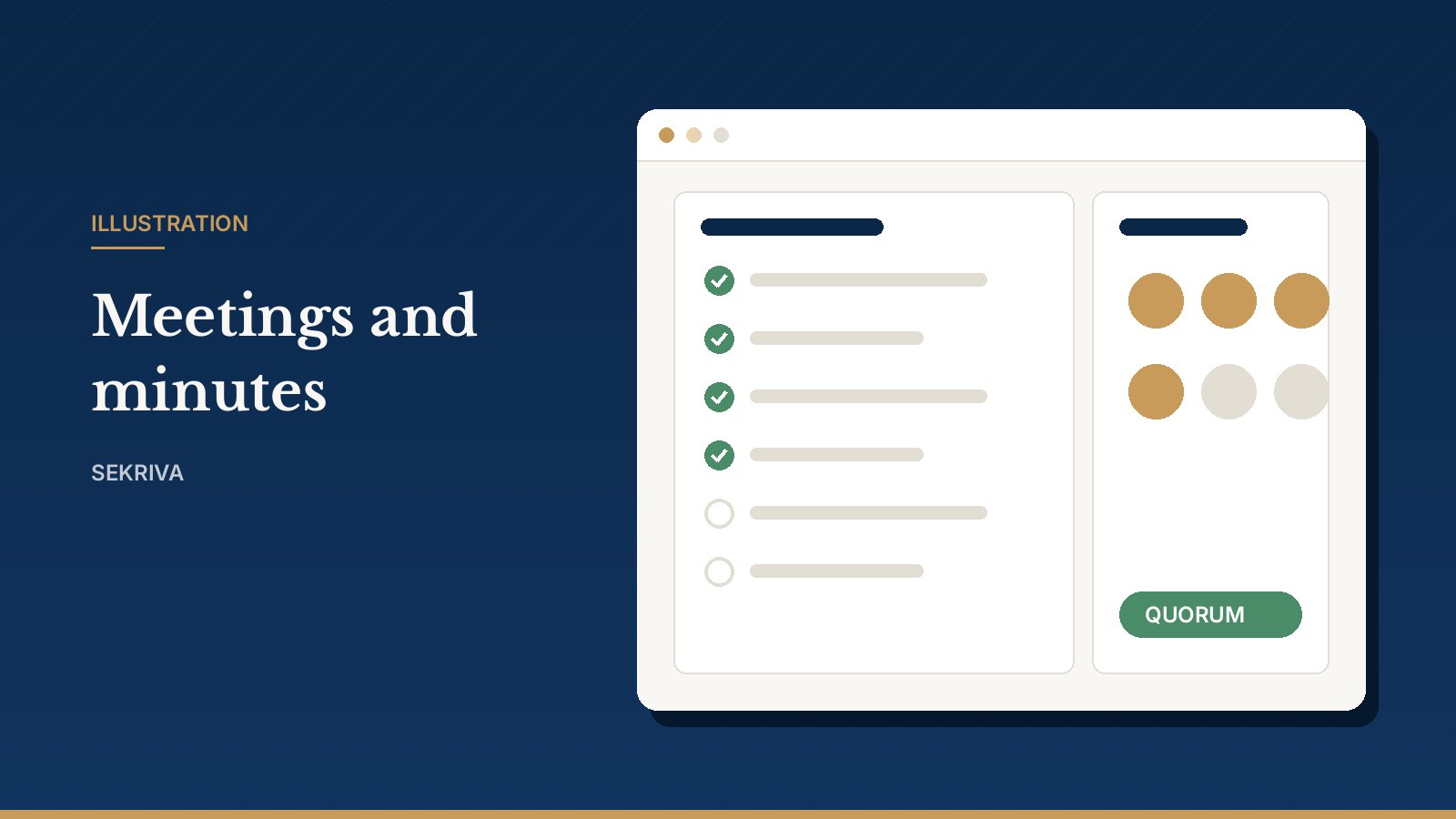
Schedule board meetings, AGMs, EGMs and committees, download the notice PDF, record attendance and quorum, then write and approve the minutes.

  • A meeting can only be marked held once quorum is met
  • Insert a minutes outline from the agenda
  • Approved minutes are locked
Read the full explanation
Illustration: Meetings & Minutes

Area 3 of 6

Documents & company lifecycle

Paperwork drafted from your records, a private document library, and the full life of a company from incorporation to closure.

Document Management

A private, version-controlled library for constitutions, SSM filings, resolutions, minutes, registers, KYC and correspondence. Move documents through Draft, Pending review, Final, Signed and Archived, and track signatures.

  • PDF, Word, Excel and image uploads up to 20 MB
  • Earlier versions stay in the history
  • Signed and final versions kept with the company record
Read the full explanation

Paperwork Generator

Generate resolutions, notices, letters and share paperwork from your company records. Directors, shareholders, addresses and your firm details are merged in automatically; edit the wording on the page, then save as PDF or download as Word.

  • Drafts carry a DRAFT watermark
  • Firm admins can customise any template, with version history
  • Every output says it is not an official SSM document
Read the full explanation
Illustration: Paperwork Generator

Incorporation

Take a new company from name search to incorporation on a visual board: proposed names, details, directors and subscribers, KYC, payment, submission and registration. On completion Sekriva creates the company, officers, subscriber shares and compliance calendar.

  • Never shown as incorporated without a registration number and evidence
Read the full explanation

Closure & Restructuring

Strike-offs, dormancy, winding up, restorations and conversions, each with a checklist and key dates from application to gazette.

  • Closing a company never deletes it
  • Registers, filings and documents remain for retention
Read the full explanation

Area 4 of 6

Clients, work & billing

Run the practice side: clients, requests, tasks, messages, invoices and risk.

Client CRM & Service Requests

Client groups, contacts, companies, service requests and invoices in one place. Every request your team logs, whether it came by email, phone or a meeting, gets an SR reference and a conversation thread.

  • Convert a request into a corporate action or task
  • Track requests awaiting the client
Read the full explanation

Tasks & Workflow Designer

A work queue with priorities, SLAs, checklists, dependencies and approvals, as a list or a drag-and-drop board. Built-in workflow templates for onboarding, annual return, director change, share transfer and strike-off generate the tasks for you.

  • Overdue and SLA-breached tasks highlighted in red
  • Duplicate a built-in template to customise it
Read the full explanation

Billing with SST

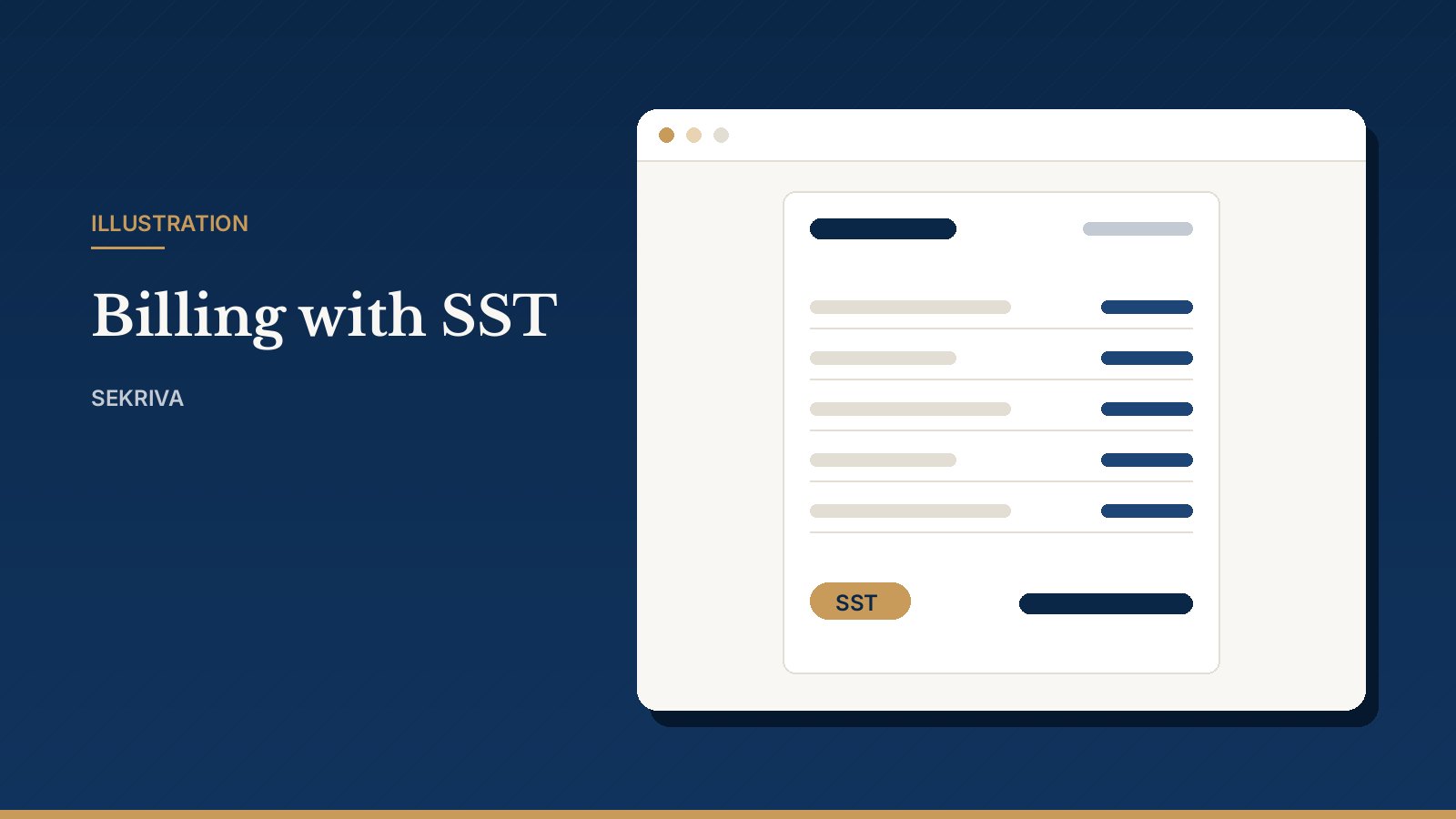
Invoices, credit notes, payments and recurring retainers in MYR from your service catalogue. SST is charged at the firm rate on taxable lines, while disbursements such as SSM fees are never taxed. Payments by FPX, DuitNow, bank transfer, cheque and more.

  • Recurring retainers raised automatically by the daily scheduler
  • Credit notes instead of editing sent invoices
  • MyInvois e-Invoice status and UUID recorded by your team (submission happens in the MyInvois portal)
Read the full explanation
Illustration: Billing with SST

Communications

Email, WhatsApp and SMS messages to clients and directors from templates with placeholders such as {{company_name}} and {{due_date}}, with a full delivery log.

  • Deadline reminders go out each morning
  • Channels without a configured provider are queued for manual sending
Read the full explanation

KYC, AML & Risk

Customer due diligence for people, organisations, clients and companies: identity checks, PEP, sanctions and adverse media screening results, risk scoring, enhanced due diligence and periodic review.

  • A PEP, sanctions hit or score of 60+ triggers EDD
  • Review every 36, 24 or 12 months by risk level
  • Supports your AMLA process; it does not replace it
Read the full explanation

Reports & Analytics

Twelve ready-made reports covering compliance, deadlines, filings, overdue items, officers, shareholders, beneficial ownership, KYC risk, revenue, receivables, workload and audit activity.

  • Export to Excel or print-ready PDF
  • Identity numbers masked in exports by default
  • Every export recorded in the audit log
Read the full explanation

Area 5 of 6

AI assistant

Give your team a careful drafting assistant.

AI Secretary Assistant

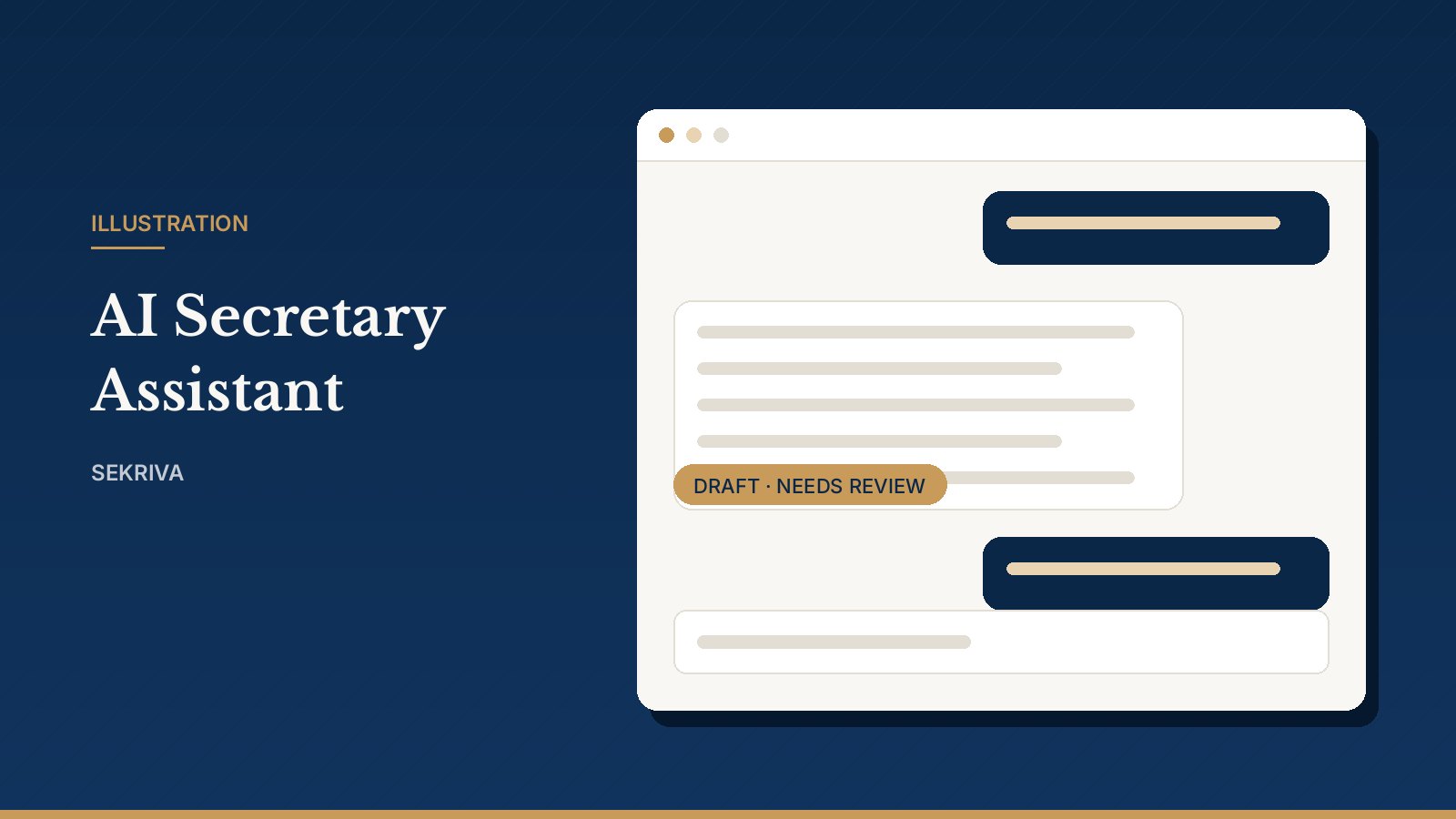
Ask about your companies and deadlines, get explanations of Companies Act 2016 sections, and produce first drafts of resolutions. Every answer is a draft that a licensed company secretary must mark reviewed before it is relied on.

  • NRIC and passport numbers are never sent to the AI
  • Built-in rule-based assistant answers from your own records when no AI key is set
  • Conversations are private to each user
Read the full explanation
Illustration: AI Secretary Assistant

Area 6 of 6

Security, training & support

Controls an auditor will ask about, and help that is built into every screen.

Roles, MFA & Sessions

Six staff roles: Firm Admin, Licensed Company Secretary, Secretarial Executive, Compliance / KYC Officer, Finance and Super Admin. Sekriva is for your firm's staff only, and clients never sign in. Two-factor authentication with an authenticator app, a firm-wide "require MFA" switch, and session revocation.

  • Each firm's data is fully isolated
  • Deactivating a user signs them out everywhere
  • Failed sign-ins reviewed by IP address
Read the full explanation

Audit Log

Every create, update, delete, sign-in and legally significant action, with old and new values. Records cannot be edited or deleted, and the filtered log exports to CSV for your auditor.

  • Passwords and secrets never shown
  • Records kept for at least 7 years (s.245 CA 2016)
Read the full explanation

Training Academy & Help Centre

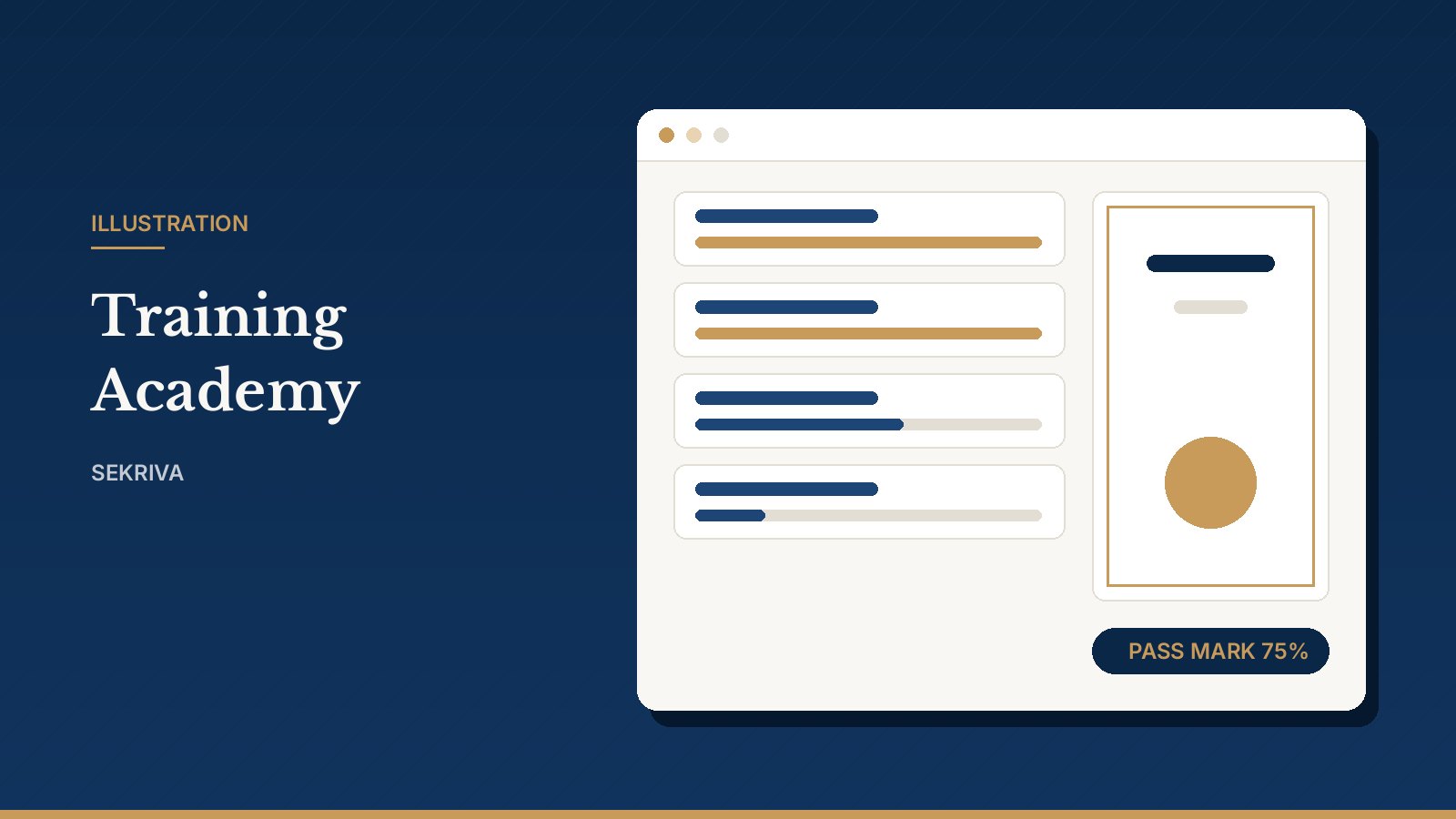
A learning path for each role with lessons, hands-on practice on the real screens (nothing is saved), quizzes with a 75% pass mark and a printable certificate. Every page has a Help panel with a narrated walkthrough video.

  • Firm admins see each person's progress
  • A learning path for every staff role
Read the full explanation
Illustration: Training Academy & Help Centre

See Sekriva with your own workload

Book a 20-minute demo

Tell us how many companies your firm handles and what you use today. We will walk you through the parts that matter to you and answer questions about pricing and setup.

Or just leave your email

We will get in touch to arrange a demo. No newsletter spam.

By leaving your email you agree that we may contact you about Sekriva. Nothing else.