
Skip to content
Sekriva

Company secretarial software for Malaysian firms

Company Secretarial, Simplified.

Sekriva brings your companies, statutory registers, Companies Act 2016 deadlines, SSM filings, documents, billing and client approvals into one secure workspace, so nothing important lives in a spreadsheet or someone's inbox.

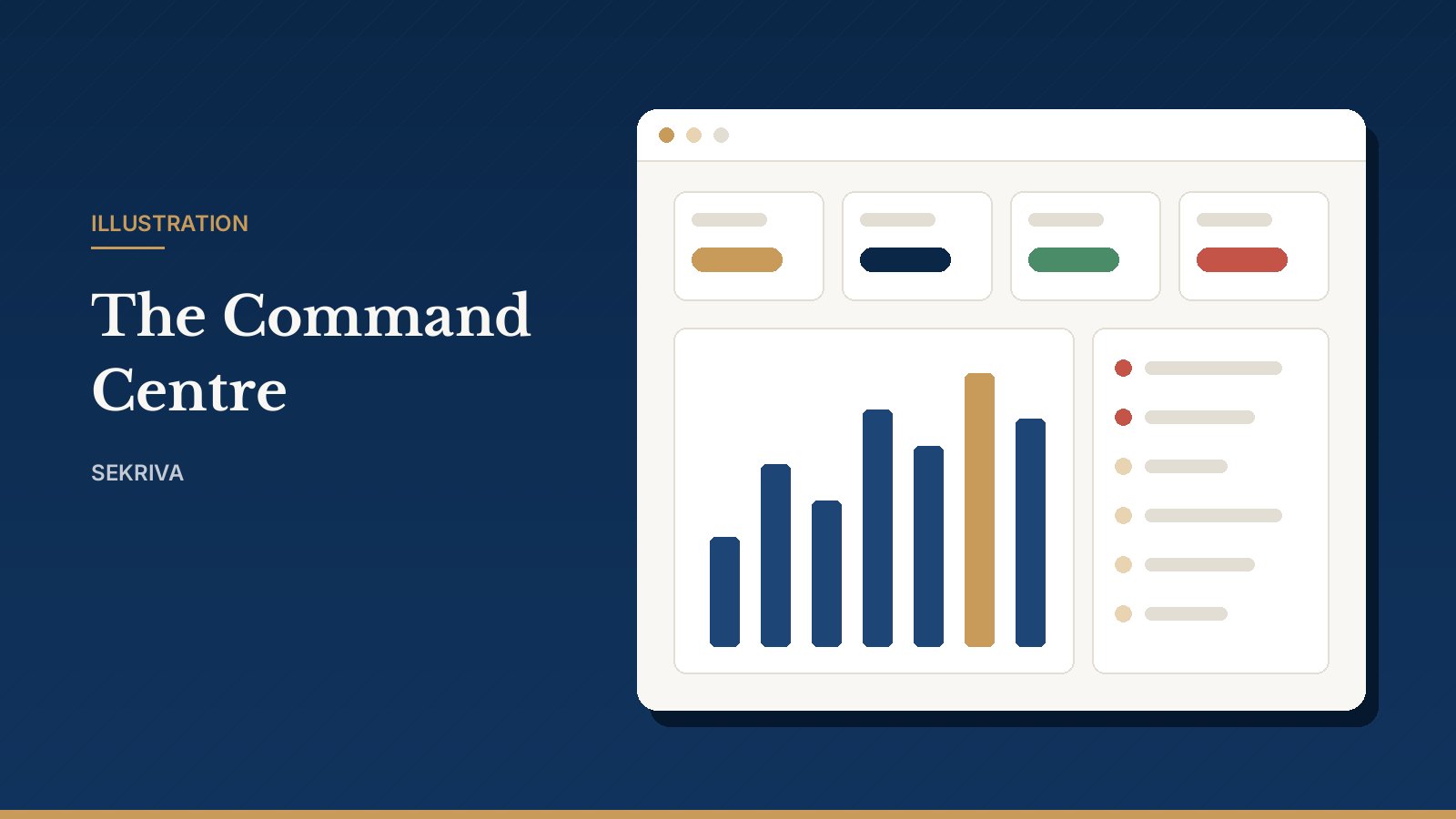
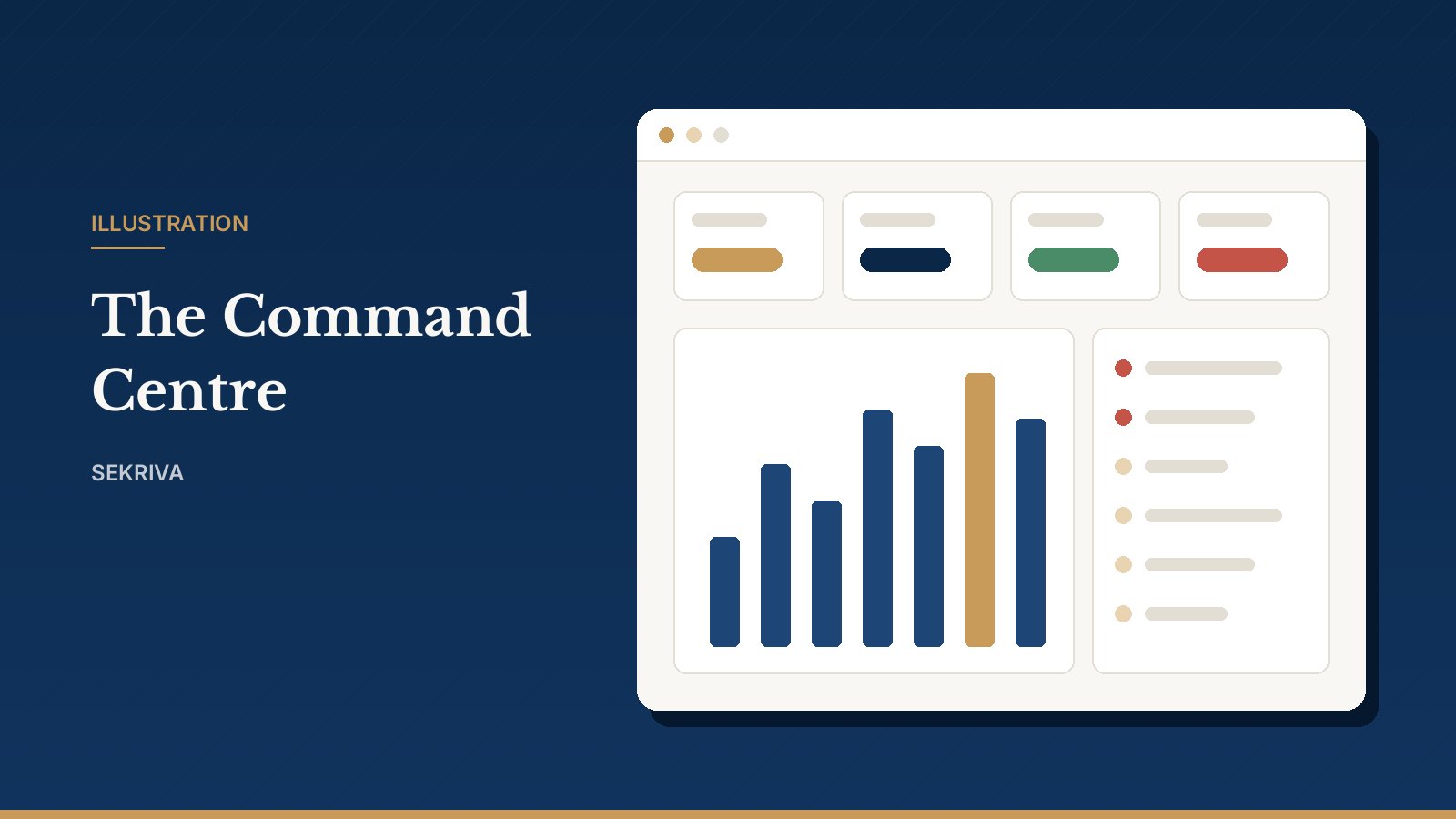
Illustration: the Sekriva Command Centre dashboard
Companies Act 2016deadlines worked out per company
Evidence ruleno filing marked submitted without proof
SST-ready billinginvoices, retainers and payments in MYR
Staff-only accessclients never need another login

Everything in one workspace

Built around how a secretarial practice actually works

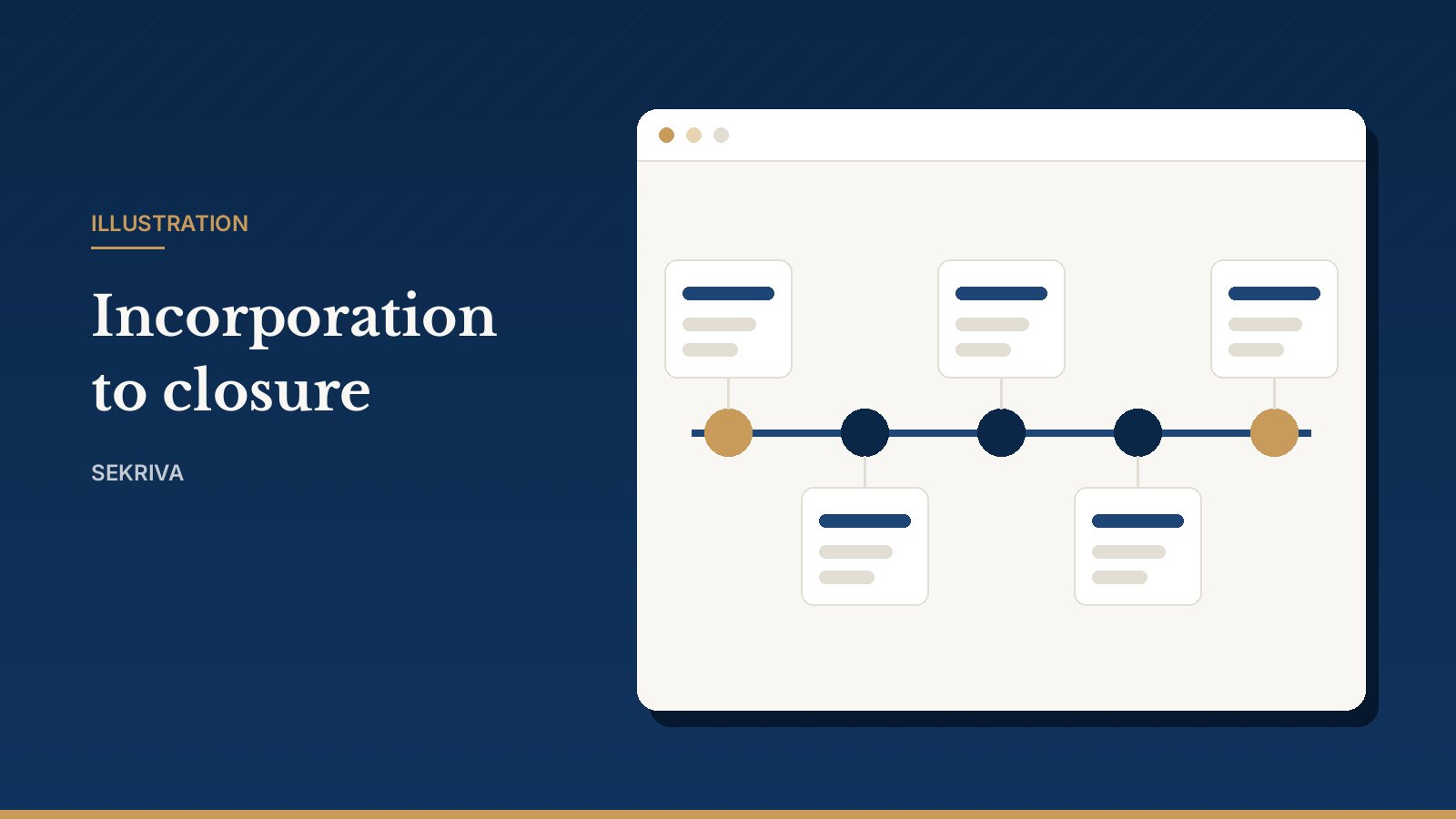
From the first name search to the final strike-off, every step of a company's life is recorded once and reused everywhere.

See it working

A live tour of Sekriva in 20 minutes

We walk you through the dashboard, the compliance calendar, company records, filings, client requests and billing on a call, using demo data, and answer your questions as we go. You can also look around the demo workspace yourself.

Ask for a live walkthrough Log in to the demo

Illustration: a company moving through its lifecycle in Sekriva

Compliance calendar

Every statutory deadline, worked out for you

Enter a company's incorporation date and financial year end and Sekriva schedules its obligations: annual returns, financial statements, AGMs, beneficial ownership reviews and tax returns. Each one has an owner, reminders go out every morning, and extensions are recorded without losing the original due date.

Read the full explanation
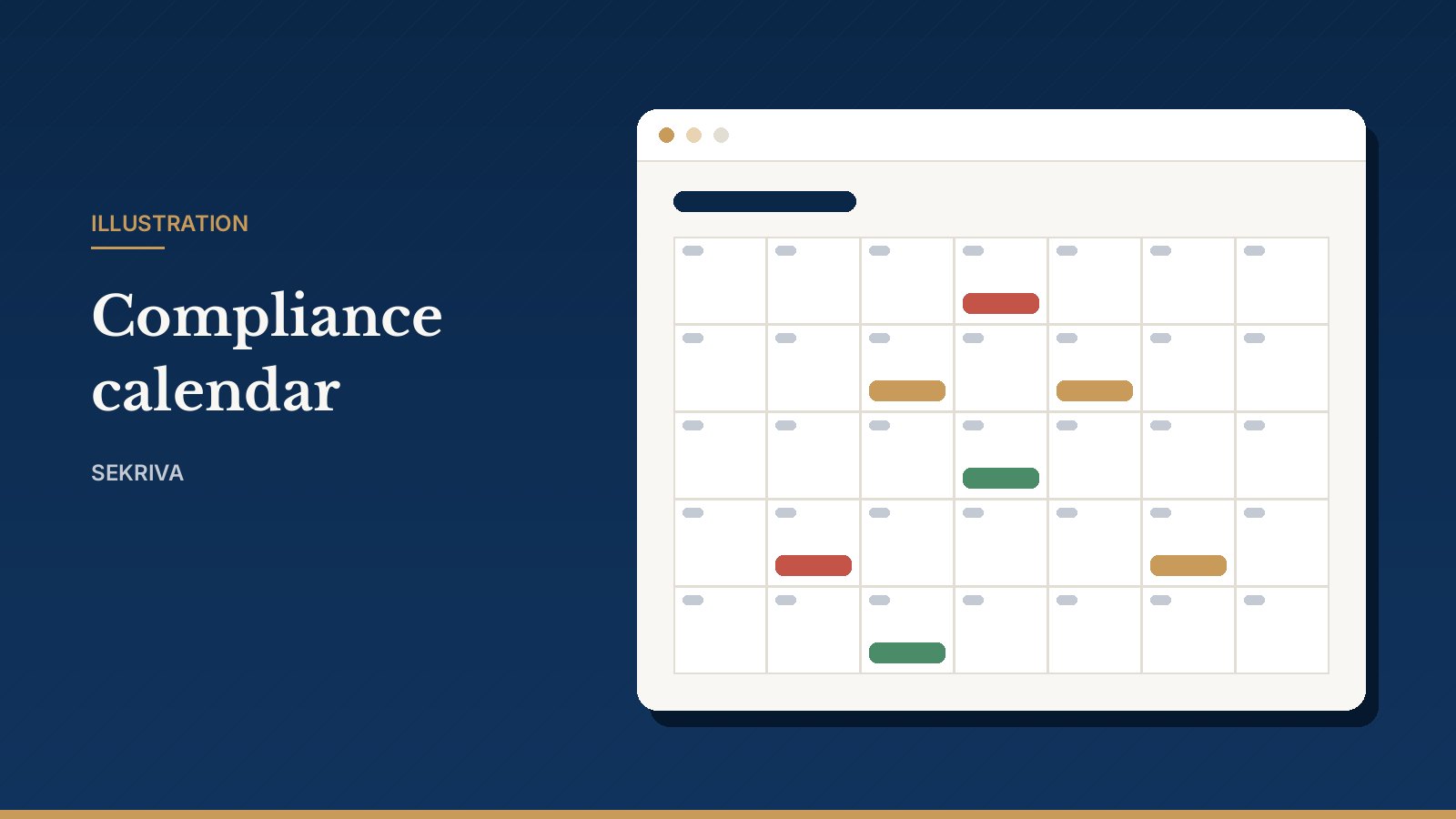
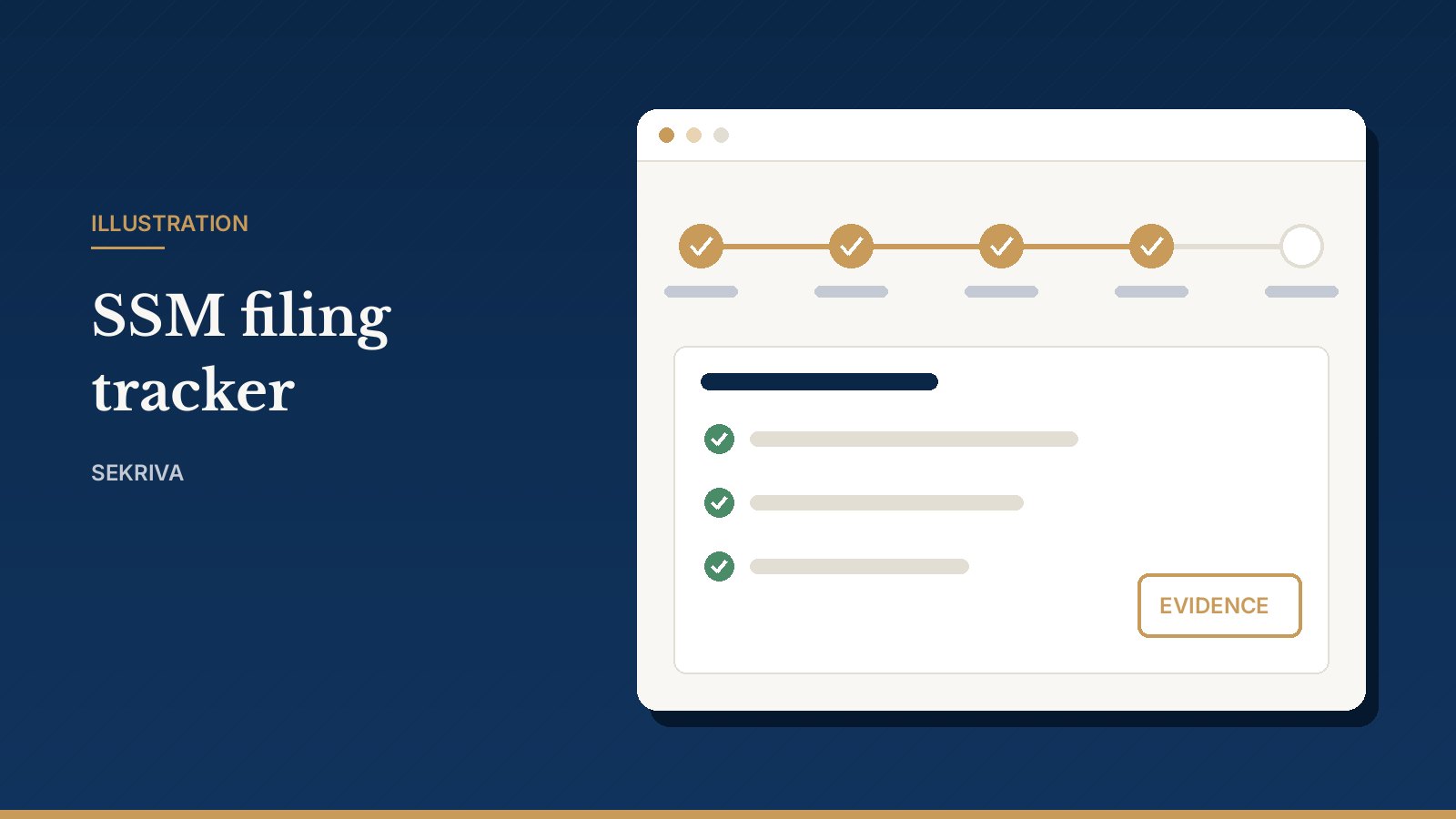
Illustration: the compliance calendar

SSM filings

A filing trail you can defend

Each lodgement moves from draft through review to ready, submitted and accepted. A licensed secretary marks it ready to file, and after it is lodged on the SSM portal you record the portal reference or acknowledgement. Without evidence, Sekriva will not show a filing as submitted.

Read the full explanation
Illustration: an SSM filing moving through its status steps

Paperwork generator

Resolutions and notices drafted from your records

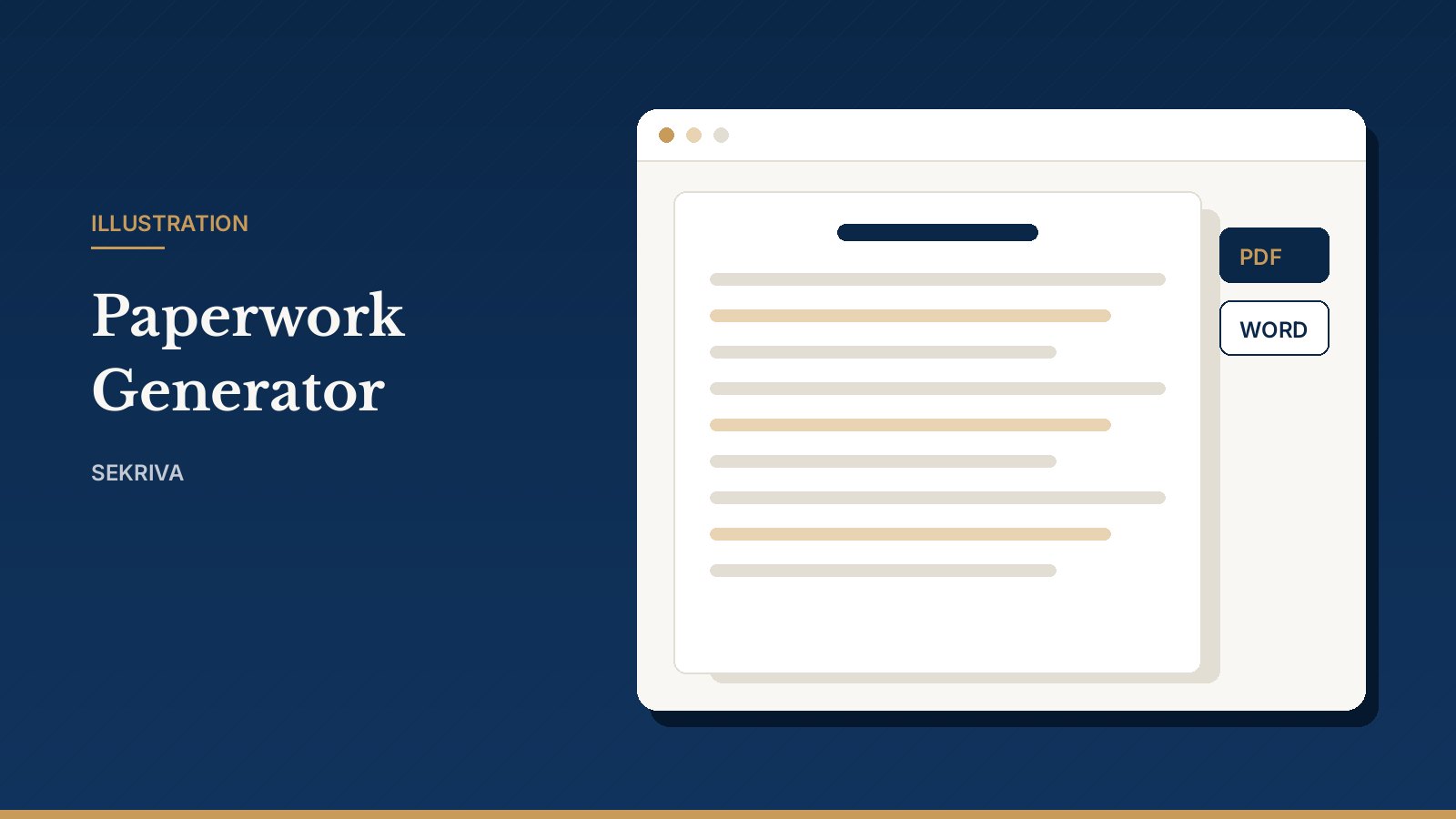
Pick a template and the company's directors, shareholders, addresses and your firm details are merged in. Edit the wording on the page, then save it as a PDF or download it as Word. Drafts carry a watermark, and your firm can maintain its own versions of every template.

Read the full explanation
Illustration: the Paperwork Generator

Client requests & approvals

Every client instruction captured, without another login for your clients

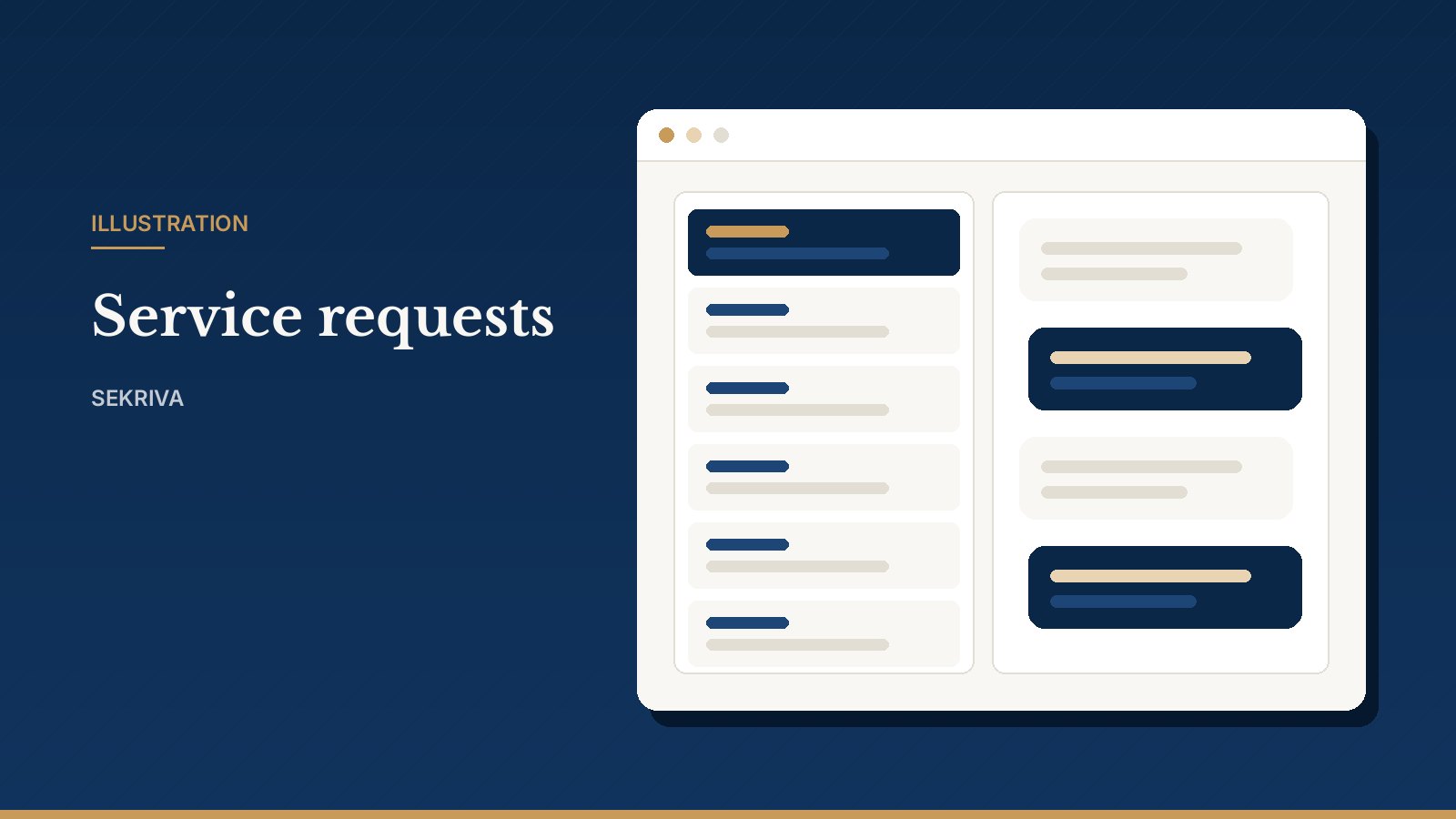
Your team logs each request with an SR reference and a conversation thread, records approvals and signatures with evidence, and lets automated email reminders do the chasing. Sekriva is for your staff only: clients deal with you, not with another system.

Read the full explanation
Illustration: client requests and approvals recorded by staff

AI Secretary Assistant

A careful drafting assistant, not a replacement for your judgement

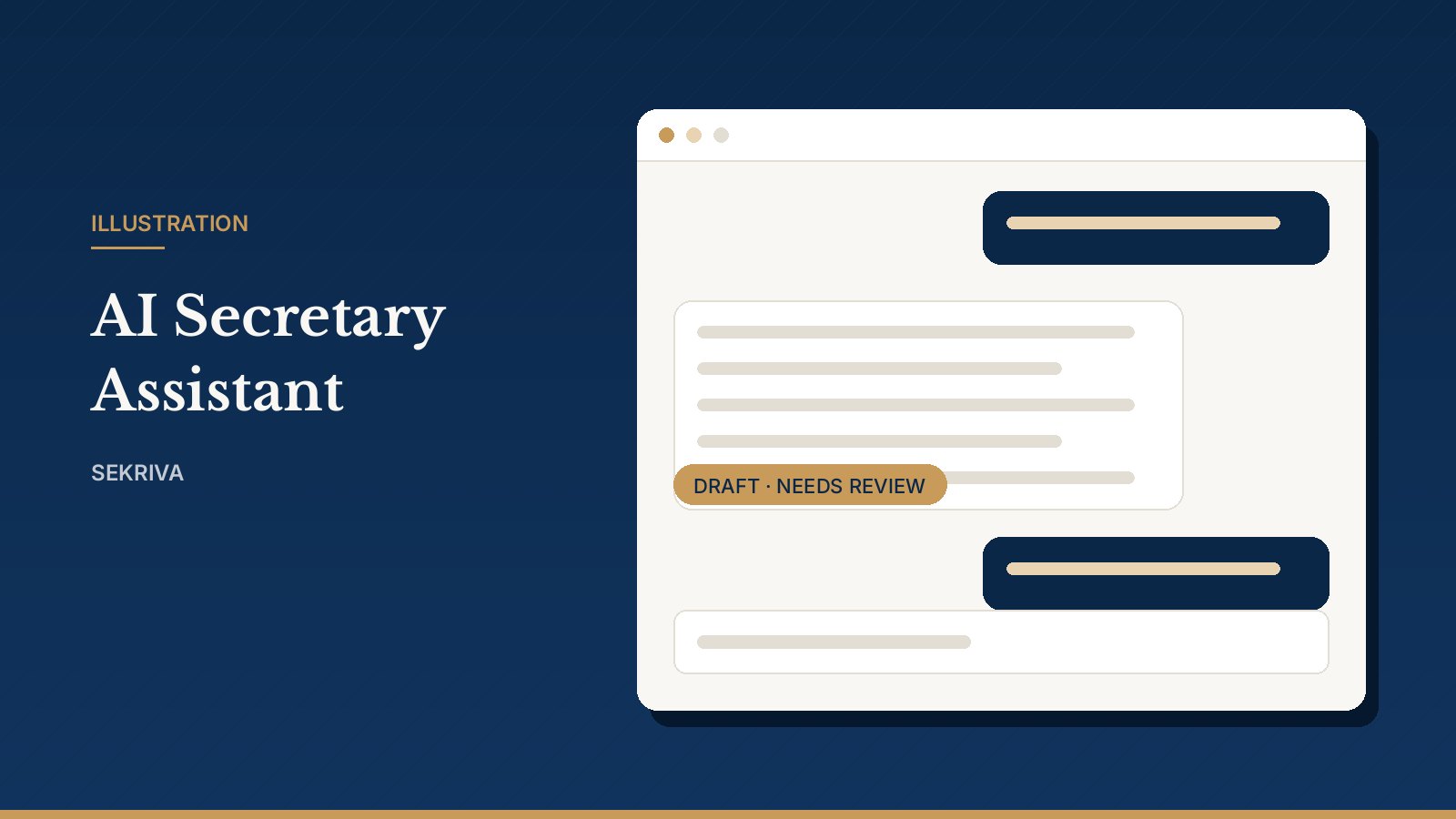
Ask about deadlines across your companies, get a plain-language explanation of a Companies Act 2016 section, or produce a first draft of a resolution. Every answer is a draft that a licensed company secretary must mark reviewed, and NRIC and passport numbers are never sent to the AI.

Read the full explanation
Illustration: the AI Secretary Assistant

Straight answers

What Sekriva does, and what it leaves to you

We would rather you know the boundaries up front.

Sekriva does

  • Keep your companies, officers, shareholders and statutory registers in one place
  • Work out Companies Act 2016 and tax deadlines and remind the right people
  • Track every SSM lodgement with its supporting evidence
  • Draft resolutions, notices and letters from your own records
  • Invoice clients with SST in MYR and track payments and retainers
  • Record KYC screening results and risk scores for your AMLA process
  • Keep an audit log that cannot be edited or deleted

You still

  • Lodge filings through SSM's official portal; Sekriva records the reference and acknowledgement
  • Review and sign off documents: Sekriva's outputs are working copies, not official SSM documents
  • Submit e-Invoices in LHDN's MyInvois portal; Sekriva records the UUID and status you get back
  • Connect an email, WhatsApp or SMS provider for automatic sending; otherwise messages are queued for you to send
  • Have a licensed company secretary review anything the AI assistant drafts

Sekriva is independent software and is not affiliated with or endorsed by SSM or LHDN.

From the blog

Features, explained properly

All articles

Getting started

What is Sekriva? A tour of the platform

Sekriva brings your company secretarial practice into one place. A plain-language tour of what it does, and what it leaves to you.

16 October 2026 · 3 min read

Company records

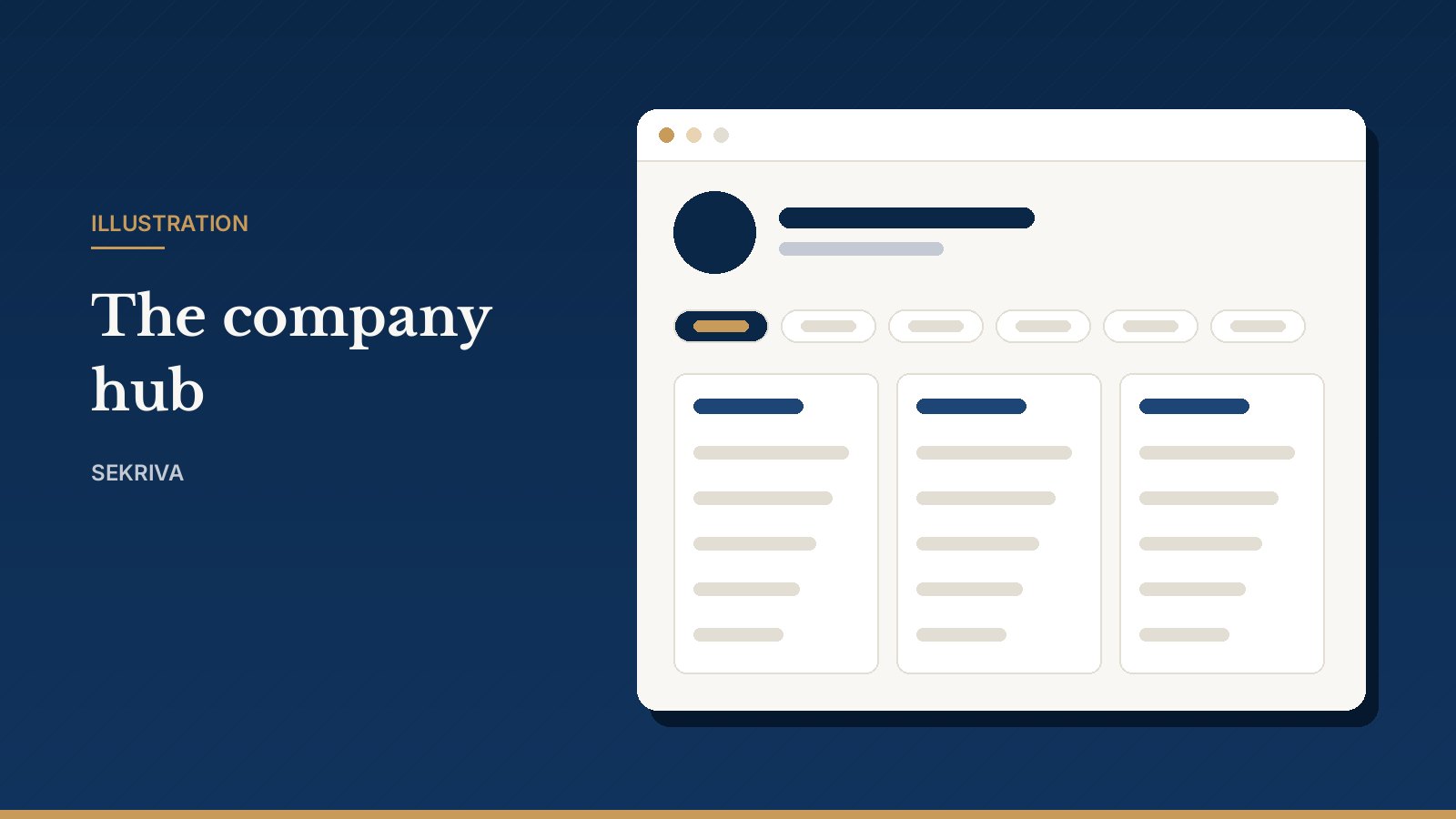
The company registry and company hub

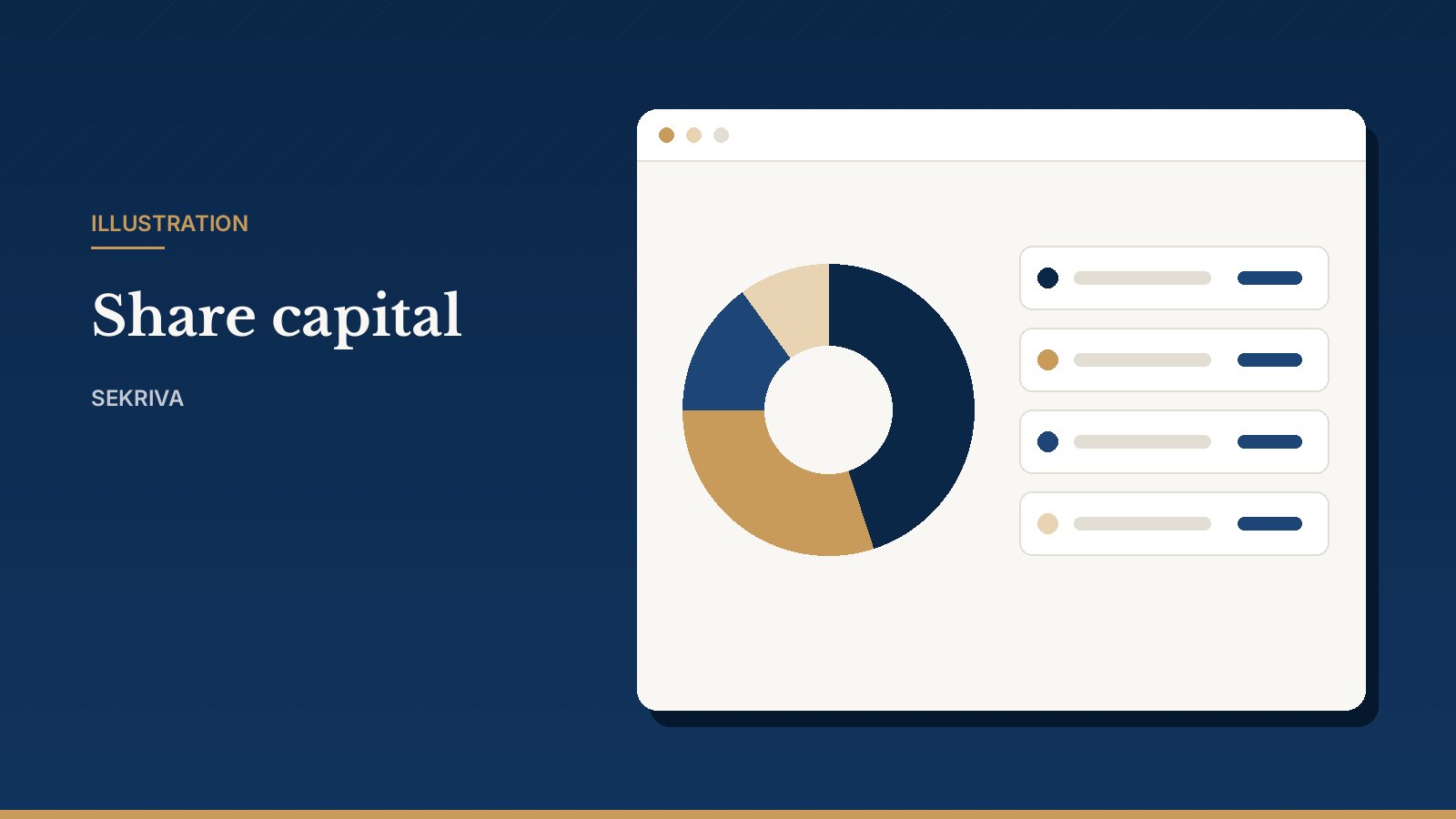
Every company your firm acts for in one registry, with a hub for officers, capital, compliance, documents and activity.

15 October 2026 · 1 min read

See Sekriva with your own workload

Book a 20-minute demo

Tell us how many companies your firm handles and what you use today. We will walk you through the parts that matter to you and answer questions about pricing and setup.

Or just leave your email

We will get in touch to arrange a demo. No newsletter spam.

By leaving your email you agree that we may contact you about Sekriva. Nothing else.