Billing with SST, retainers and MyInvois status
Invoices, credit notes, payments and recurring retainers in MYR, with SST on taxable lines only and an honest view of e-Invoice readiness.
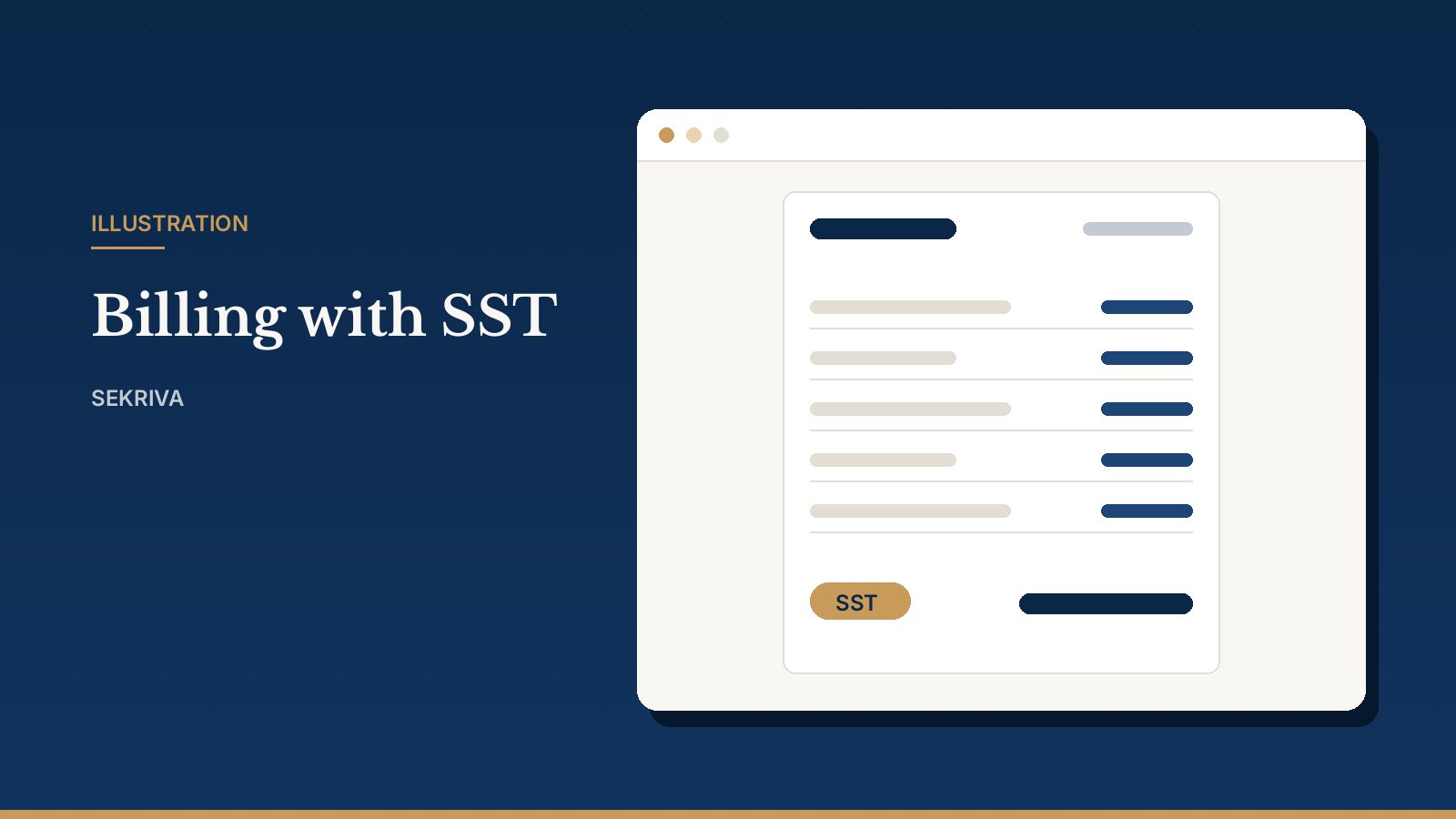
Secretarial fees, retainers and disbursements are often billed from a separate accounting tool, and nobody can see at a glance which client still owes for last year’s annual return. Sekriva puts billing next to the work.
Invoices
- Create an invoice and add lines from your service catalogue.
- Send it to the client. The PDF goes by email.
- Record payments as they arrive. The status moves to partially paid, then paid.
Everything is in Malaysian ringgit (MYR).
SST, done properly
SST is charged at your firm’s rate on taxable lines. Disbursements such as SSM fees and stamp duty are never taxed. You mark them as disbursements once, in the service catalogue.
Corrections without rewriting history
- Issue a credit note instead of editing an invoice that has been sent.
- Void an invoice rather than deleting it.
Recurring retainers
Turn on recurrence for retainer items. A daily scheduler raises the next invoice automatically. You can set a default recurrence for retainer items in the service catalogue.
Payments
Click Record payment, pick the outstanding invoice and enter:
- the amount and date
- the method: FPX, DuitNow, bank transfer, cheque and so on
- the bank reference
The invoice balance and status update straight away. Partial payments are allowed and overpayments are blocked. Filter by method or date range to reconcile against your bank statement.
The service catalogue
Your firm’s price list of secretarial services and disbursements, with a code, default price and category for each item. Deactivate items you no longer offer instead of deleting them, so past invoices stay intact.
About MyInvois (e-Invoice)
MyInvois status tracking in Sekriva is a manual record. Sekriva does not submit invoices to LHDN. Your team submits each e-Invoice through LHDN’s own channel, then records the MyInvois UUID and status against the invoice in Sekriva, so you can see at a glance which invoices are done.