The AI Secretary Assistant: useful drafts, reviewed by a human
Ask about your portfolio, get the Companies Act 2016 explained and draft resolutions. Every answer is a draft until a licensed secretary marks it reviewed.
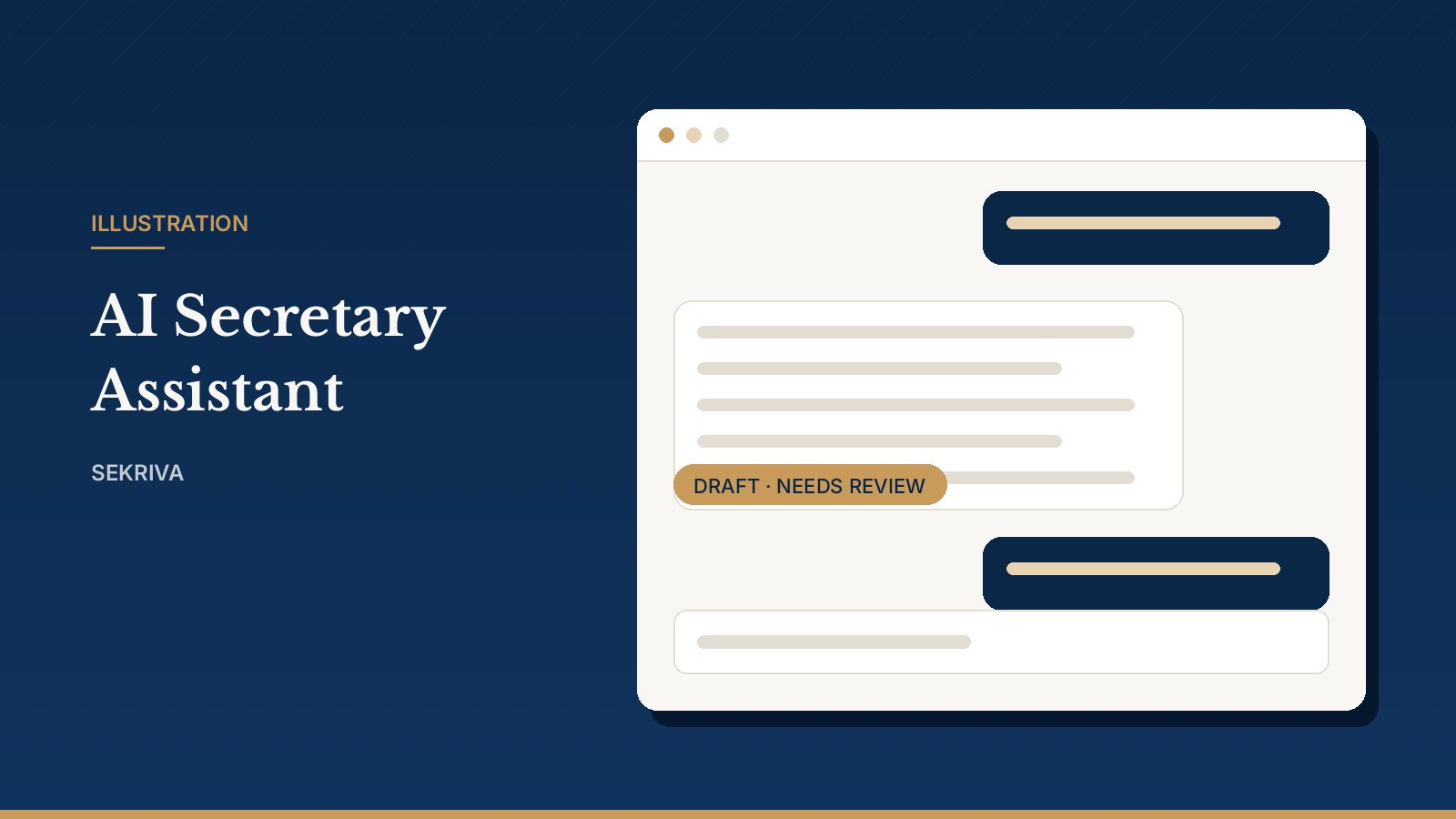
Sekriva includes an AI Secretary Assistant. It is useful, but it comes with firm rules, because a secretarial firm cannot rely on unchecked machine output.
What you can ask it
- About your portfolio: for example, “Which companies have annual returns due this month?” Pick a company for company-specific answers, or leave Whole portfolio selected.
- To explain the law: ask it to explain sections of the Companies Act 2016 in plain language.
- To draft: first drafts of resolutions and similar wording.
Type a question or click a quick prompt, then press Send (Ctrl+Enter).
The rules it follows
Every answer is a draft. A licensed company secretary reads it and clicks Mark reviewed (or Reject) before anyone relies on it. Approved text can then be copied into the Paperwork Generator or an email.
- NRIC and passport numbers are never sent to the AI. If you type one, it is redacted before the question leaves Sekriva. Identity numbers are always masked for the assistant, whatever your firm’s other settings.
- AI-drafted resolution wording must be marked as reviewed before the resolution can be circulated.
- Conversations are private to the user who started them. Firm admins can open them for supervision.
Works without an AI provider too
The assistant uses Anthropic’s Claude when the firm has an API key configured. Without one, Sekriva uses its built-in rule-based assistant, which answers from your own records. You get the portfolio answers either way.
What it is not
It is not a lawyer and not a company secretary. It drafts and explains. Your licensed secretary decides.