Tasks and the Workflow Designer
Turn your firm's way of working into reusable workflows with roles, SLAs, dependencies and approvals.
Every firm has its own way of running an annual return or onboarding a new client. Usually it lives in a senior secretary’s head. Sekriva’s Workflow Designer writes it down as a reusable template, and the task queue makes sure each step happens.
Workflows
A workflow is a reusable template of steps. Each step has a role, an SLA, any dependency on earlier steps, and whether it needs approval. Sekriva includes built-in templates for:
- client onboarding
- annual return
- director change
- share transfer
- strike-off
Built-in templates cannot be edited. Duplicate one to customise it for your firm, or create your own from scratch.
- Add steps in order. Set the role, SLA and dependency, and whether approval is needed.
- Click Run on a company to generate the tasks.
- Follow progress on the run page.
Deactivating a template hides it from new runs but leaves existing runs intact.
Tasks
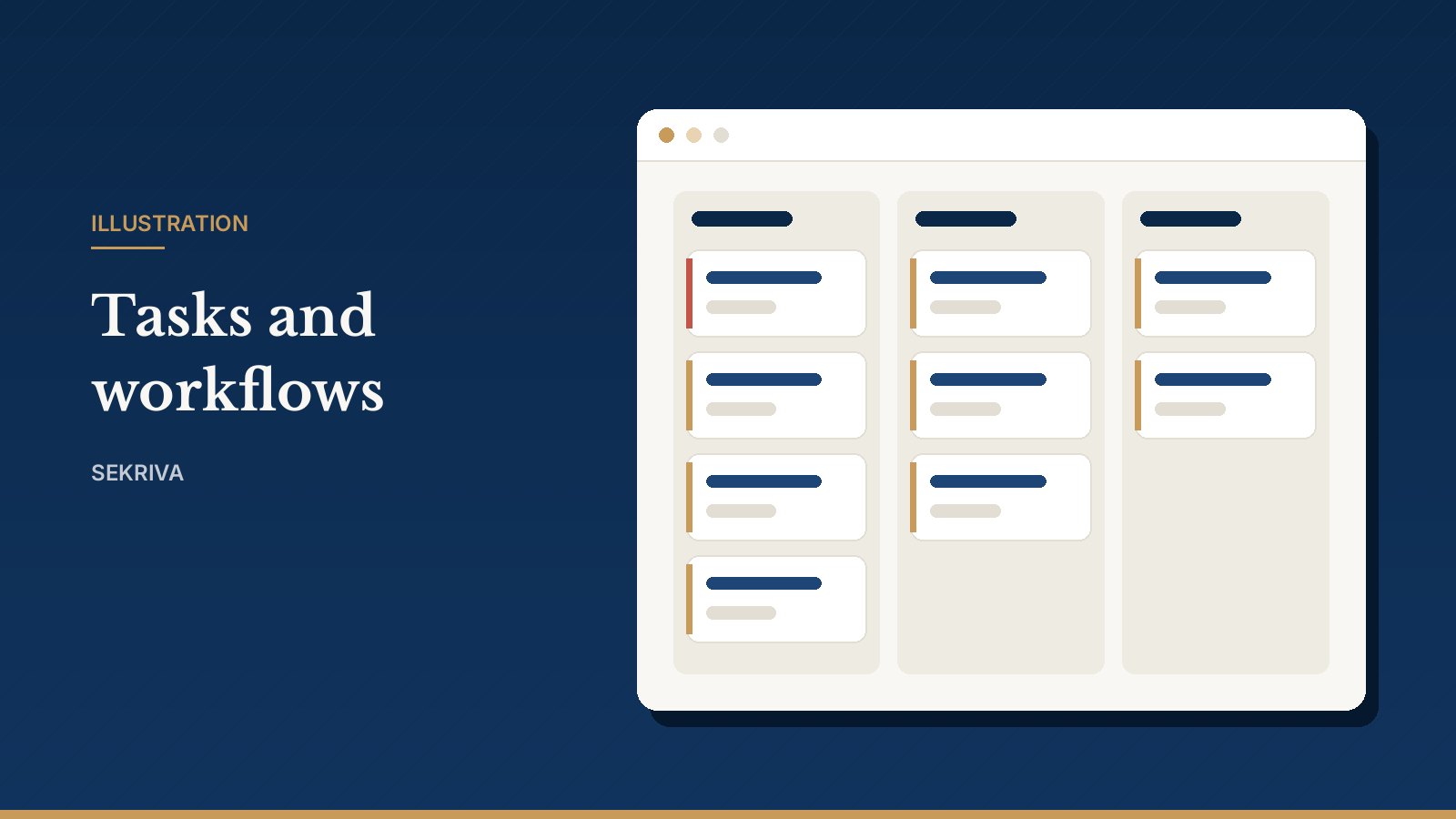
The task list is each person’s work queue. It brings together tasks from workflows, filings, corporate actions and manual assignments, with priorities, SLAs and approvals.
- Filter to Mine to see your own queue, or switch to the board view and drag cards between columns.
- Tick off checklist items and comment to keep the team updated.
- Mark the task done. Tasks that need approval go to Waiting until the approver signs off.
Built-in discipline
- A task cannot be completed while a task it depends on is still open.
- Overdue and SLA-breached tasks are highlighted in red on the list and the board.
- Workflow tasks link back to their run, so you can see the whole process at a glance.
Tasks and approvals waiting for you also appear on the Command Centre, and new assignments arrive as notifications under the bell.