The Paperwork Generator and document management
Generate resolutions, notices and letters from your records, then keep every file versioned, tracked and private.
Retyping a director’s name, NRIC and address into the fifth resolution of the week is where errors creep in. Sekriva’s Paperwork Generator fills that in from your records. The document library then keeps every version safe.
The Paperwork Generator
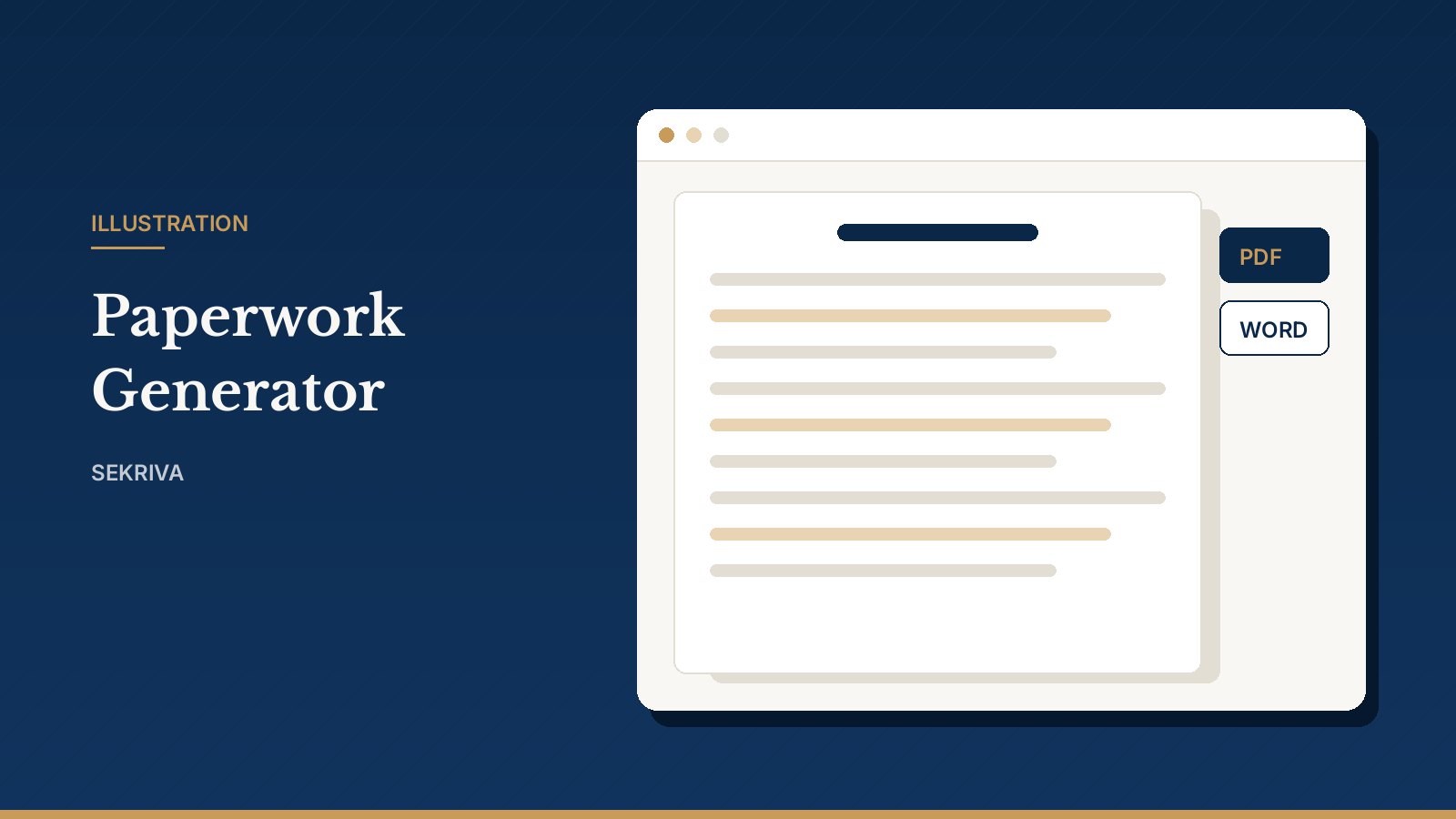
It generates resolutions, notices, letters and share paperwork. Directors, shareholders, addresses and your firm’s details are merged in automatically.
- Pick a template from the catalogue and choose the company. For appointment or resignation documents, also choose the person.
- Fill in any extra fields, such as dates or amounts, and click Preview.
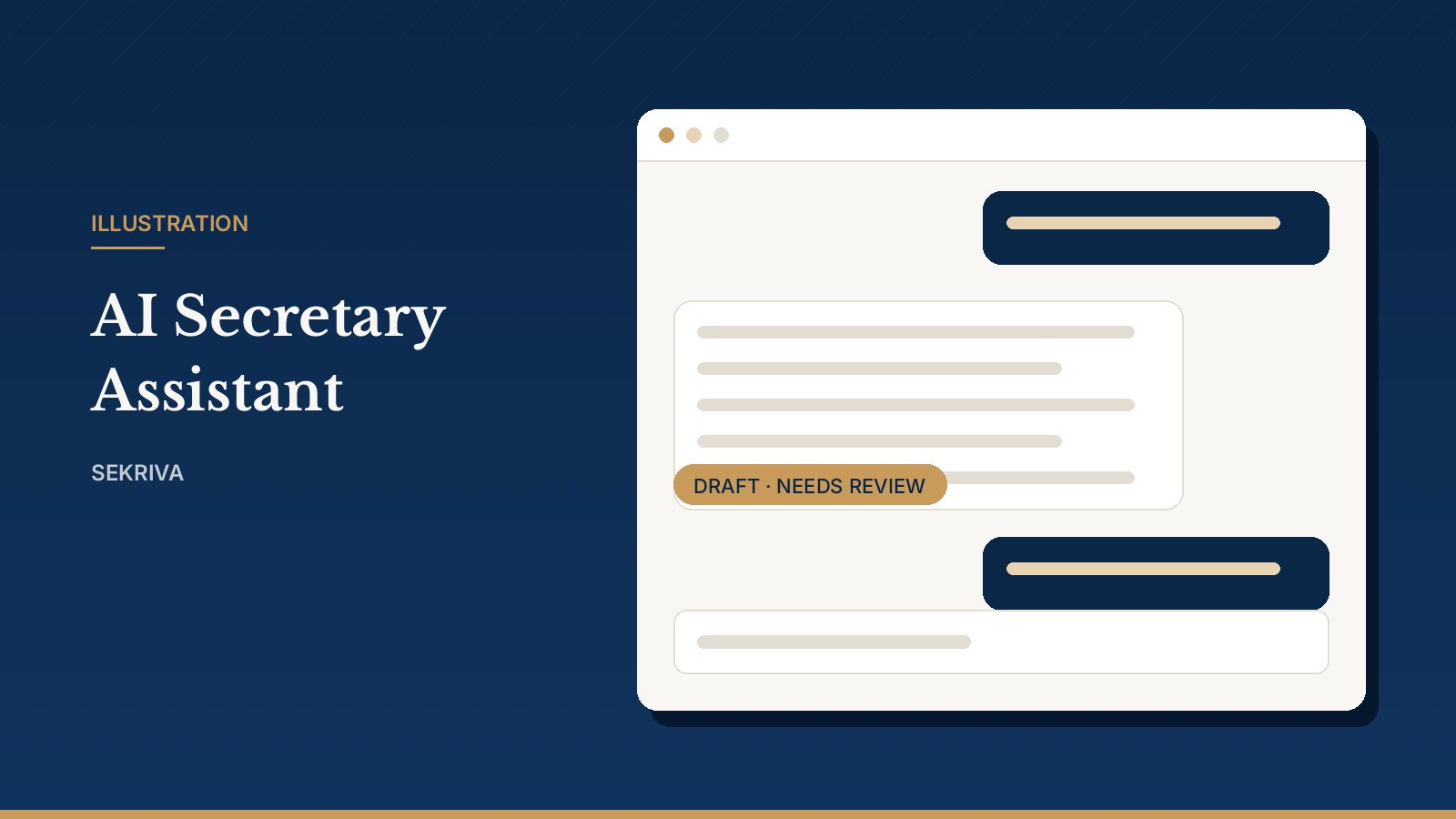
- Edit the wording directly on the page. Any field that could not be filled from the records is highlighted, so nothing slips through blank.
- Save it to documents as a draft (a PDF copy is created), or preview the PDF first.
- After review, mark it Final and track signatures from the document page. Download it as PDF or Word.
Drafts carry a DRAFT watermark. Every output carries a “not an official SSM document” notice.
Need to revise a generated document? Use Edit text to create a new version. The earlier wording is kept.
Templates you can make your own
Sekriva ships platform default templates. Firm admins can customise any of them under Admin, Templates:
- Customise makes a firm copy that replaces the default for your firm.
- Insert merge fields such as
{{company.name}}with a click, or{{directors.signatures}}for a signature block for every current director. - Each save creates a new version, and earlier versions stay in the history.
- Deactivate a firm template to fall back to the platform default.
For security, scripts and embedded frames are stripped on save.
Document management
The document library holds constitutions, SSM filings, resolutions, minutes, registers, KYC and correspondence. Files are stored privately and only staff of your firm can open them.
- Upload: PDF, Word, Excel or image files up to 20 MB, filed by company and folder.
- Find: filter by folder, company, status or source. Search looks inside titles, file names and generated text.
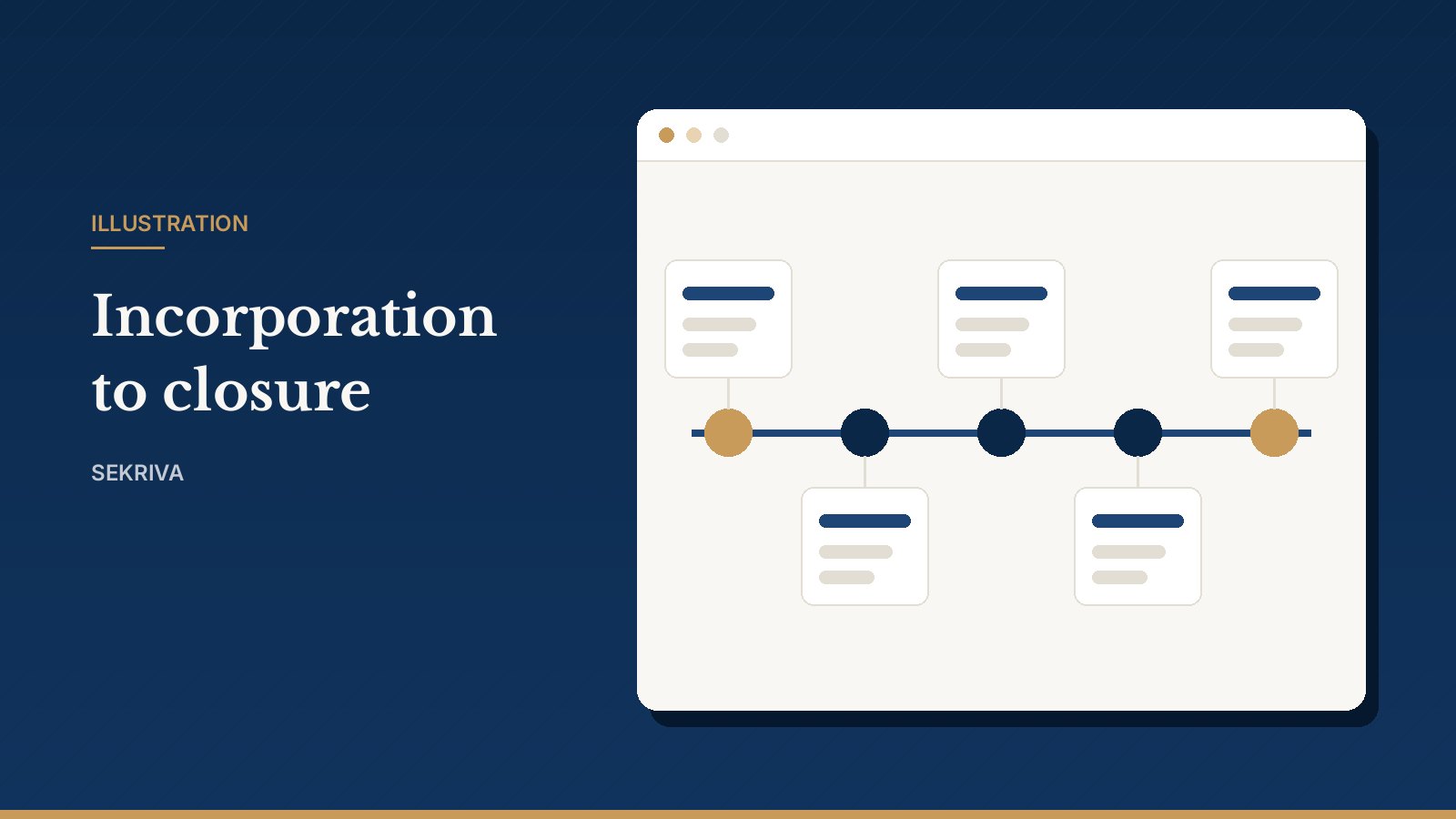
- Status: move each document through Draft, Pending review, Final, Signed and Archived.
- Versions: “Upload new version” keeps the earlier file in the version history.
- Signatures: add each signer and mark them signed (with the date) or declined.
- Sending to clients: documents go to clients by email. Your clients never sign in to Sekriva.
- Deleting: deleted documents go to Deleted items and can be restored. Retention dates show how long each record must be kept (7 years by default).
Only uploaded official copies can be marked official. Generated paperwork is never treated as an official SSM certificate.