Client requests, approvals and the client CRM
Capture every client instruction with an SR reference, record approvals with evidence and let email reminders do the chasing. Your clients never need another login.
Clients ask the same questions again and again. When is my annual return due? Can you send me the latest register? Did you get my email about the new director? Sekriva gives your team one place to capture every instruction, answer it quickly and keep the proof, without asking your clients to learn another system.
Sekriva is for your firm’s staff only. Your clients and their directors never sign in. They deal with you by email, phone and meetings, as they do today, and your team records everything in Sekriva.
Service requests
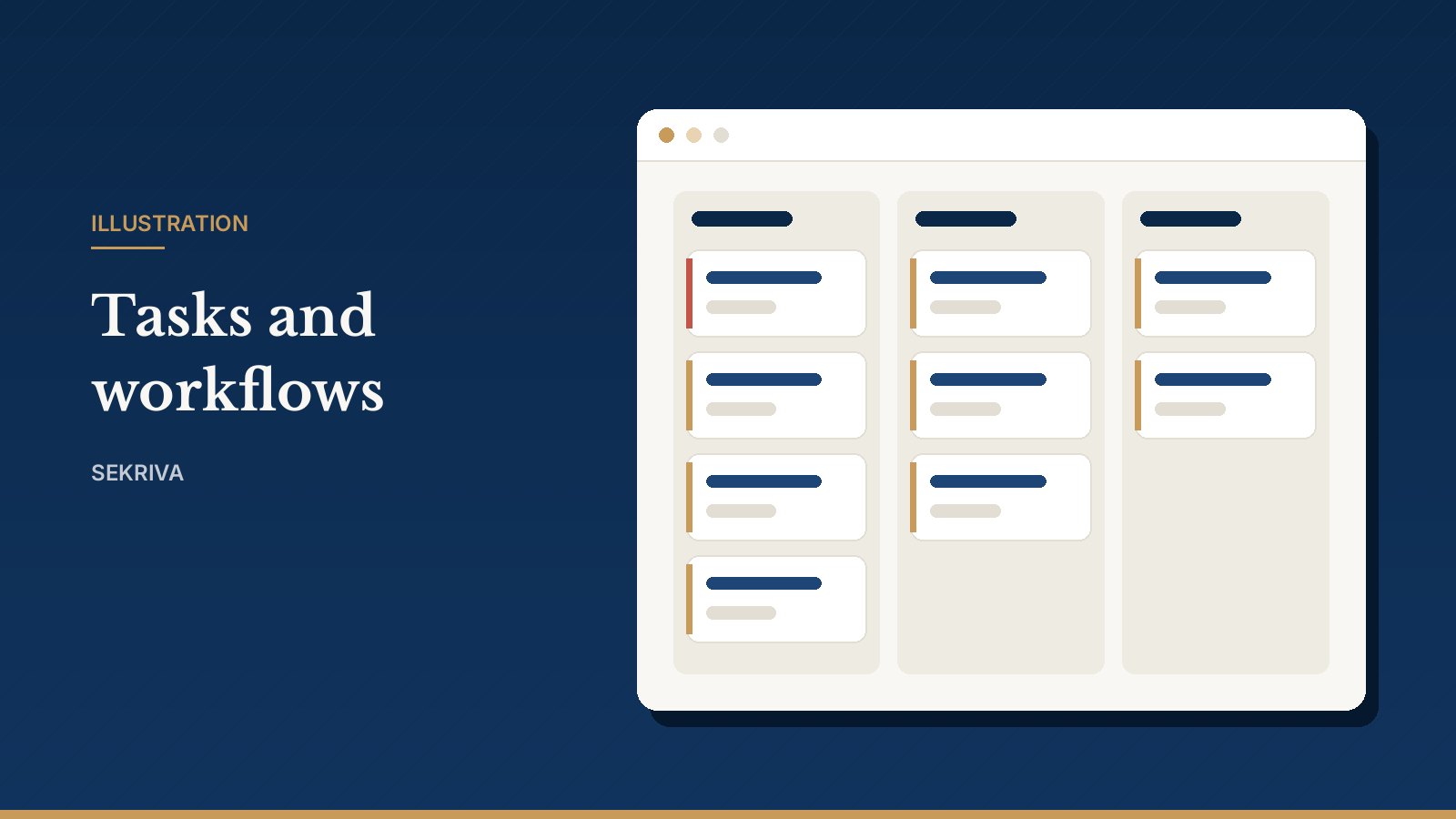
When a client asks for something, by email, phone, WhatsApp or in a meeting, a member of staff clicks Log request and chooses the type of service, such as a change of address, a new director or a share transfer. Every instruction gets an SR reference and its own conversation thread.
- Triage new requests and assign an owner.
- Keep the conversation in the thread, so anyone in the team can pick it up. Replies to the client go out by email.
- Click Start corporate action to turn the request into a corporate action, or create a task, then mark the request completed.
Tick awaiting client when you need documents back, and a stat card keeps count.
Client approvals and signatures
Directors still need to approve resolutions and sign documents. Your team sends them the documents by email, collects the signed copies, and records each approval in Sekriva with the date and the evidence attached. The decision is time-stamped in the audit trail, so you can always show who approved what, and when.
Reminders that do the chasing
Sekriva emails statutory reminders to each client’s primary contact before deadlines fall due, from templates with placeholders such as the company name and due date. Every message is kept in the delivery log, so you can see what was sent and when.
The client CRM
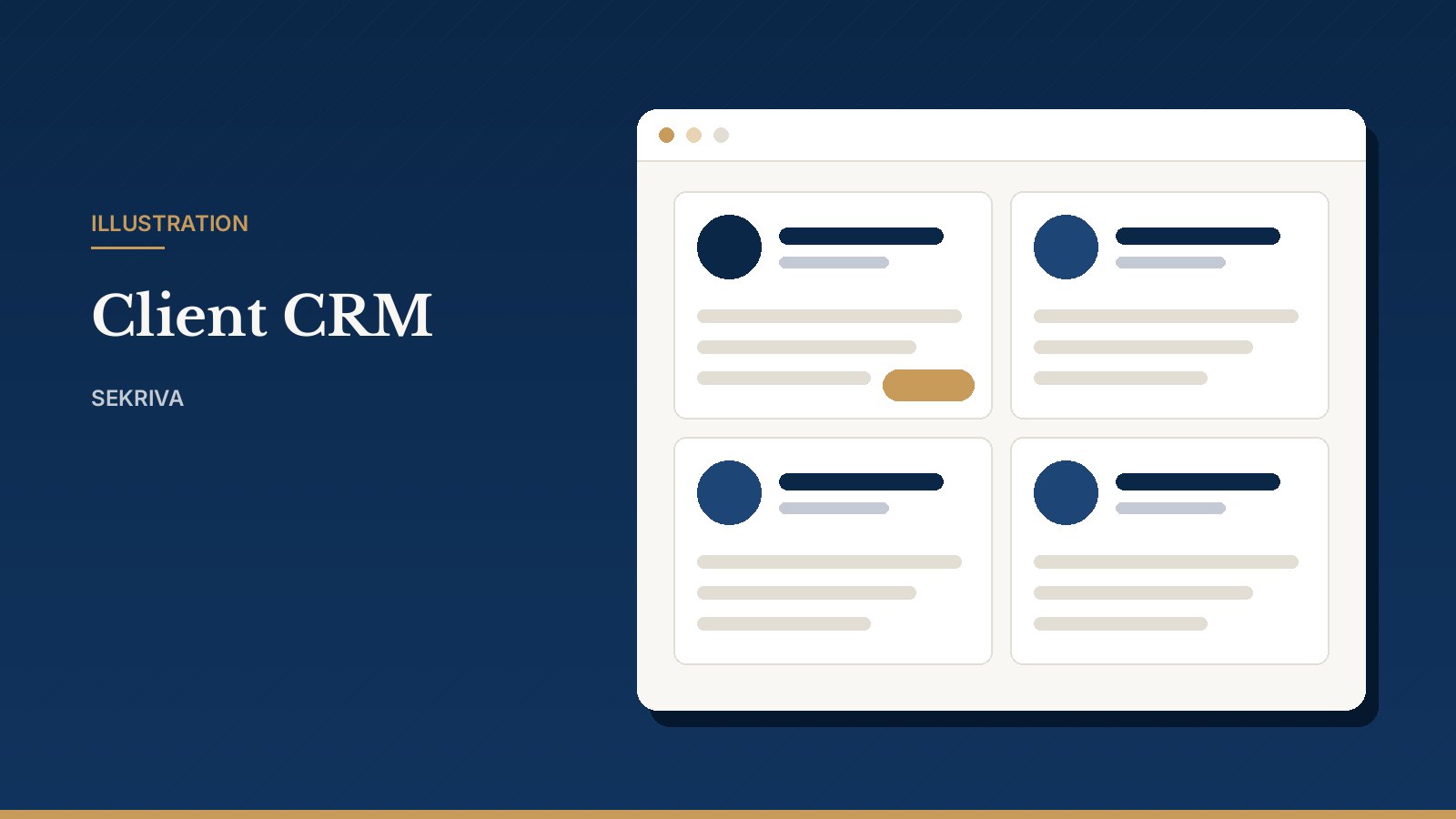
Client groups, contacts, companies, service requests and invoices all live together in the client CRM.
- Create a client as a prospect or an active client, with an optional primary contact.
- Add more contacts and mark one as primary for statutory reminders.
- Link the client’s companies, so their deadlines, documents and invoices are one click away.
- Filter by relationship manager to review your own book of clients.
Outstanding balances come from issued, unpaid invoices. A client that still has companies cannot be archived; move or archive the companies first.