Never miss an SSM deadline: the compliance calendar and rules engine
How Sekriva schedules annual returns, financial statements, AGMs, BO updates and tax returns, and reminds the right people.
A missed annual return or late financial statements means penalties for your client and an awkward conversation for you. Sekriva’s compliance calendar exists so that never happens quietly.
Deadlines are generated, not typed
When you add a company with its incorporation date and financial year end, the rules engine creates its statutory obligations automatically:
- annual returns
- financial statements
- AGMs, where they apply
- beneficial ownership updates
- tax returns
Two examples of how the default rules work:
- Annual return: within 30 days of the incorporation anniversary.
- Financial statements: circulate within 6 months of the FYE, and lodge within 30 days after circulation (7 months of the FYE).
If you change the FYE or incorporation date, the forecast obligations are regenerated.
Working the calendar
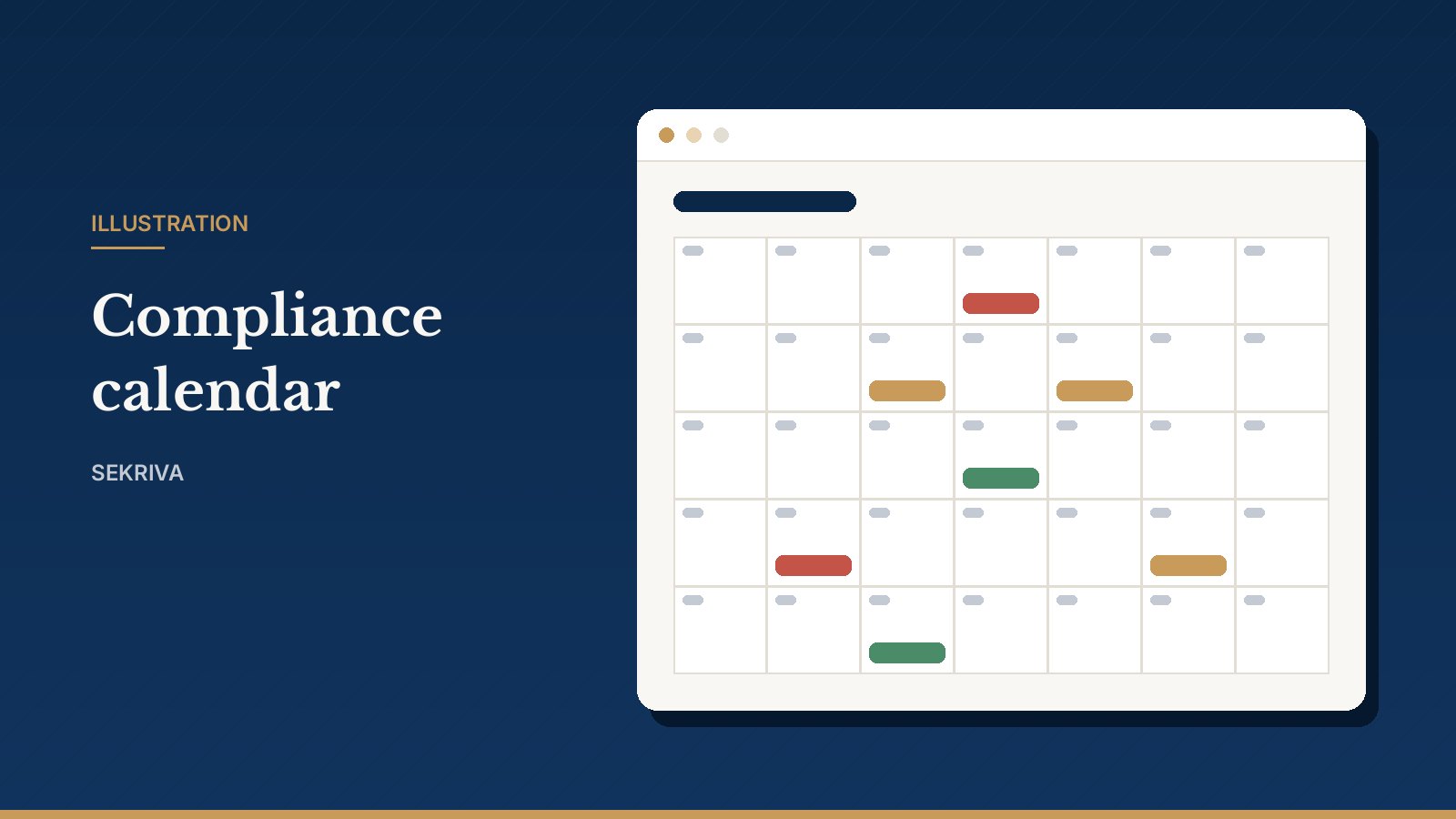
- Use the calendar or list view to find what is due.
- Assign each obligation to a team member and start the related filing.
- When an extension is granted, record it. The original due date is kept for the record.
On the Command Centre, upcoming deadlines are listed from the top. Red chips mean overdue or due within 7 days.
The rules engine
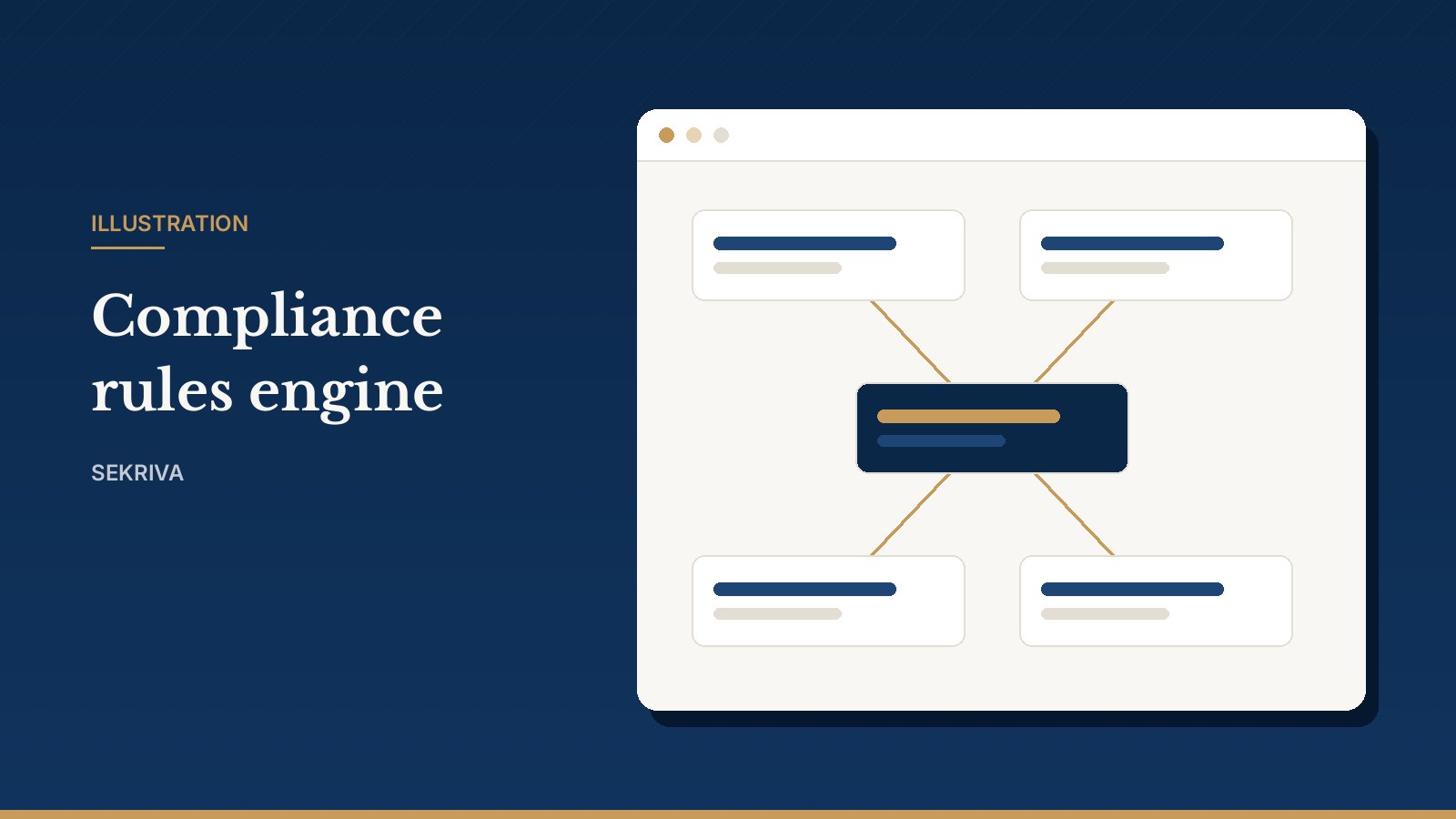
Each rule defines how an obligation is scheduled: its anchor date, offset, recurrence, reminders and the company types it applies to. Sekriva ships platform default rules. If your firm works differently, create a firm-specific version to change the offsets or reminders. The old version is superseded, not overwritten. Then regenerate obligations for the affected companies.
Reminders and communications
Deadline reminders go out automatically each morning. You can also message clients and directors from templates by email, WhatsApp or SMS. Placeholders such as {{company_name}} and {{due_date}} fill in automatically, and every message is recorded in a delivery log.
Email is sent directly. WhatsApp and SMS need a messaging provider configured for your firm. Until one is set up, those messages are logged as queued for manual sending, so you can send them yourself.
Keeping clients informed
Clients hear about their deadlines from you. Sekriva emails reminders to each client’s primary contact before a deadline falls due, which nudges them to send you documents early. See client requests and approvals.