A company secretarial firm holds directors’ identity numbers, home addresses, shareholdings and beneficial ownership chains. That information deserves serious protection. Here is how Sekriva handles it.
Each firm’s data is isolated
Sekriva is multi-tenant. Each firm’s data is fully isolated from every other firm. A suspended firm’s users are all signed out immediately.
Users, roles and company-level access
- Sekriva is for your firm’s staff only. Clients and directors never sign in, and the server refuses any non-staff account.
- Firm admins add staff and choose their roles. Only firm admins manage users.
- New staff receive a welcome link and set their own password.
- Leavers are deactivated rather than deleted, so the audit trail stays intact. Deactivating a user signs them out of every device.
MFA and sessions
Every user can turn on multi-factor authentication with an authenticator app. On the Security page, firm admins can:
- check MFA adoption and remind staff who have not enrolled
- turn on Require MFA for all staff, so staff must enrol before using Sekriva
- revoke any session they do not recognise, or all sessions of a user
- review failed sign-ins for repeated attempts from the same IP address
Identity numbers are masked
NRIC and passport numbers are masked on screen unless your role can view sensitive data. Firm settings control how they are masked on screen and in exports. They are always masked for the AI assistant.
An audit log that cannot be edited
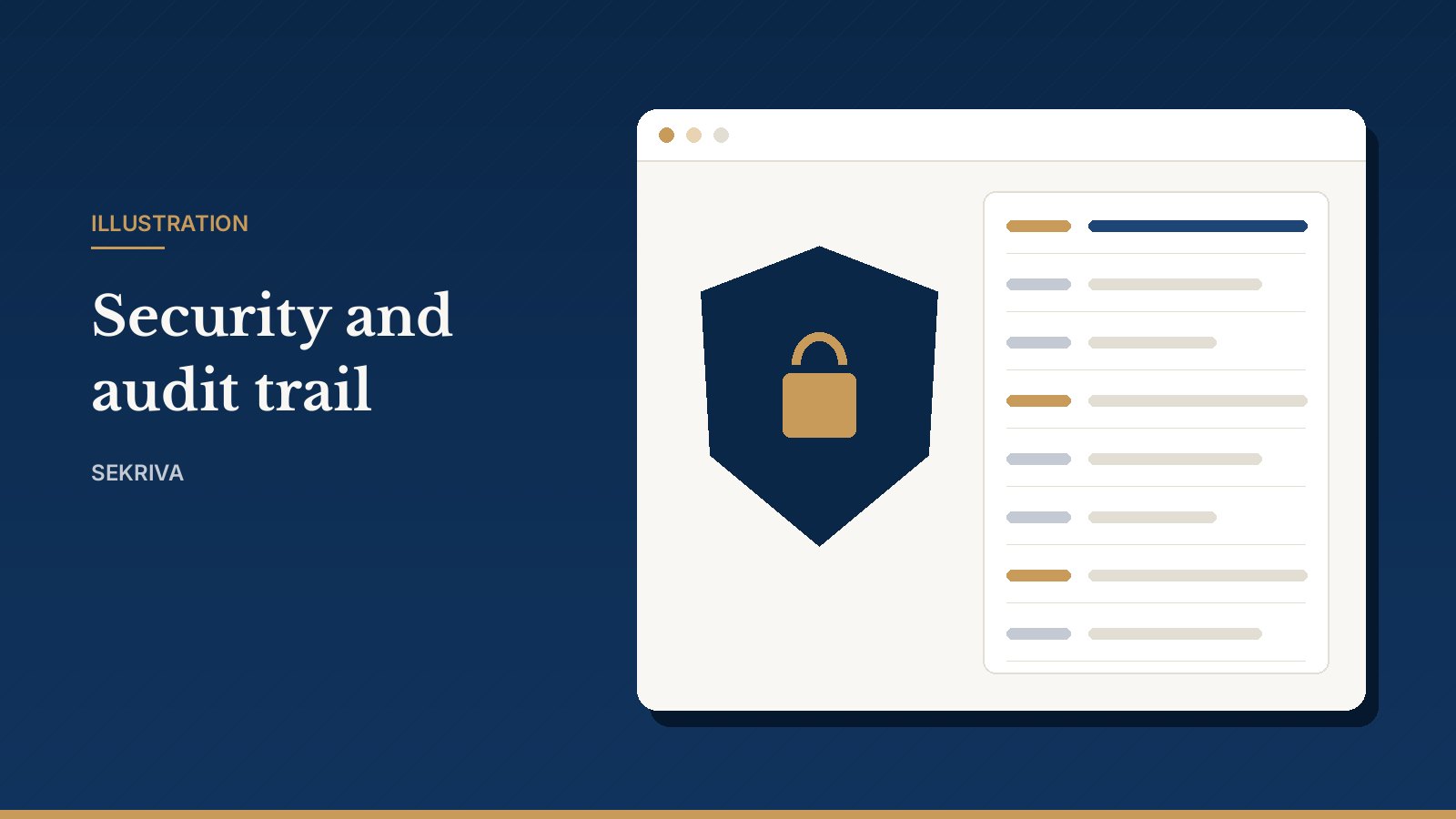
Sekriva records every create, update, delete and sign-in, and every legally significant action, with the old and new values. These records cannot be edited or deleted.
- Filter by user, event, record type, company or date range.
- Click View to see exactly which fields changed.
- Click Export CSV to hand the filtered log to an auditor.
Passwords and secrets are never shown in the log. Report exports are recorded too.
Private files and retention
Documents are stored privately, and only staff of your firm can open them. Retention dates show how long each record must be kept. By default that is 7 years, in line with s. 245 Companies Act 2016. Deleted documents go to Deleted items and can be restored. Archived companies and closed companies keep their full history.