Learning Sekriva: the Training Academy and Help Centre
Short guided modules, a safe practice mode, quizzes and a certificate, plus help and a walkthrough video on every page.
New software only pays off when people actually use it. Sekriva comes with its own training and help, so your team can learn it without waiting for a trainer.
The Training Academy
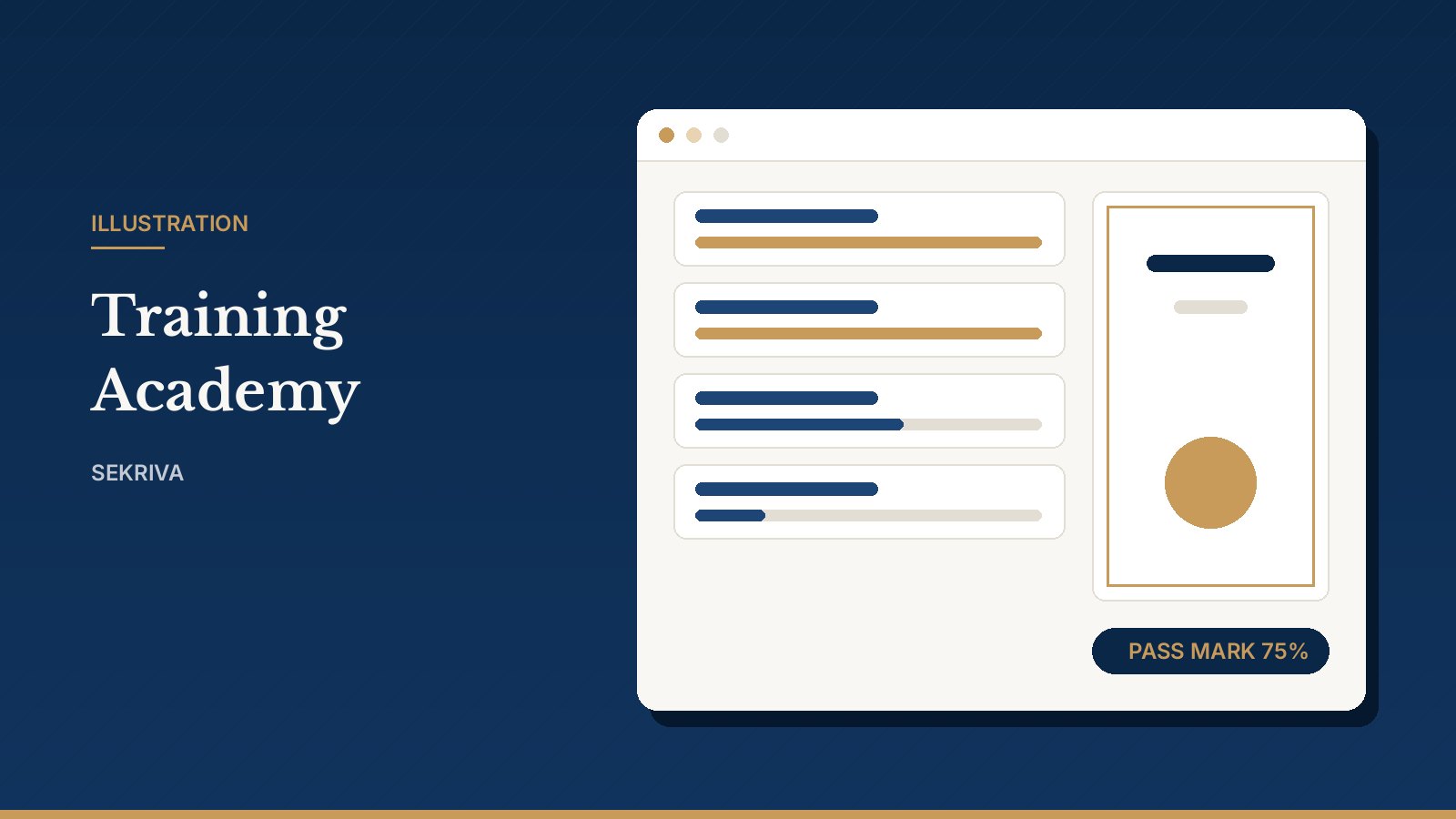
The Academy is a set of short guided modules, one for each part of Sekriva.
- Start with Getting started and work through the modules in order.
- Use Practice mode to try a task safely. Nothing you do in practice is saved, so there is no risk to live client records.
- Pass each module’s quiz to complete it. Finish them all to earn your certificate.
Firm admins can see how far each person has got from the Academy home page. That makes it easy to onboard a new hire or check that the team is ready before you go live.
Help on every page
Every page in Sekriva has a Help panel. It explains what the page is for, gives step-by-step instructions and tips, and usually has a short walkthrough video. You never have to leave the page you are working on to find out how it works.
The Help Centre collects the guides and videos for every module in one place.
Need a person?
If you are evaluating Sekriva, get in touch and we will walk you through it. You can also log in and open Help from any page.