The evidence rule: how Sekriva tracks SSM filings
Sekriva never shows a filing as submitted or accepted without evidence. Here is how the filing lifecycle works and why.
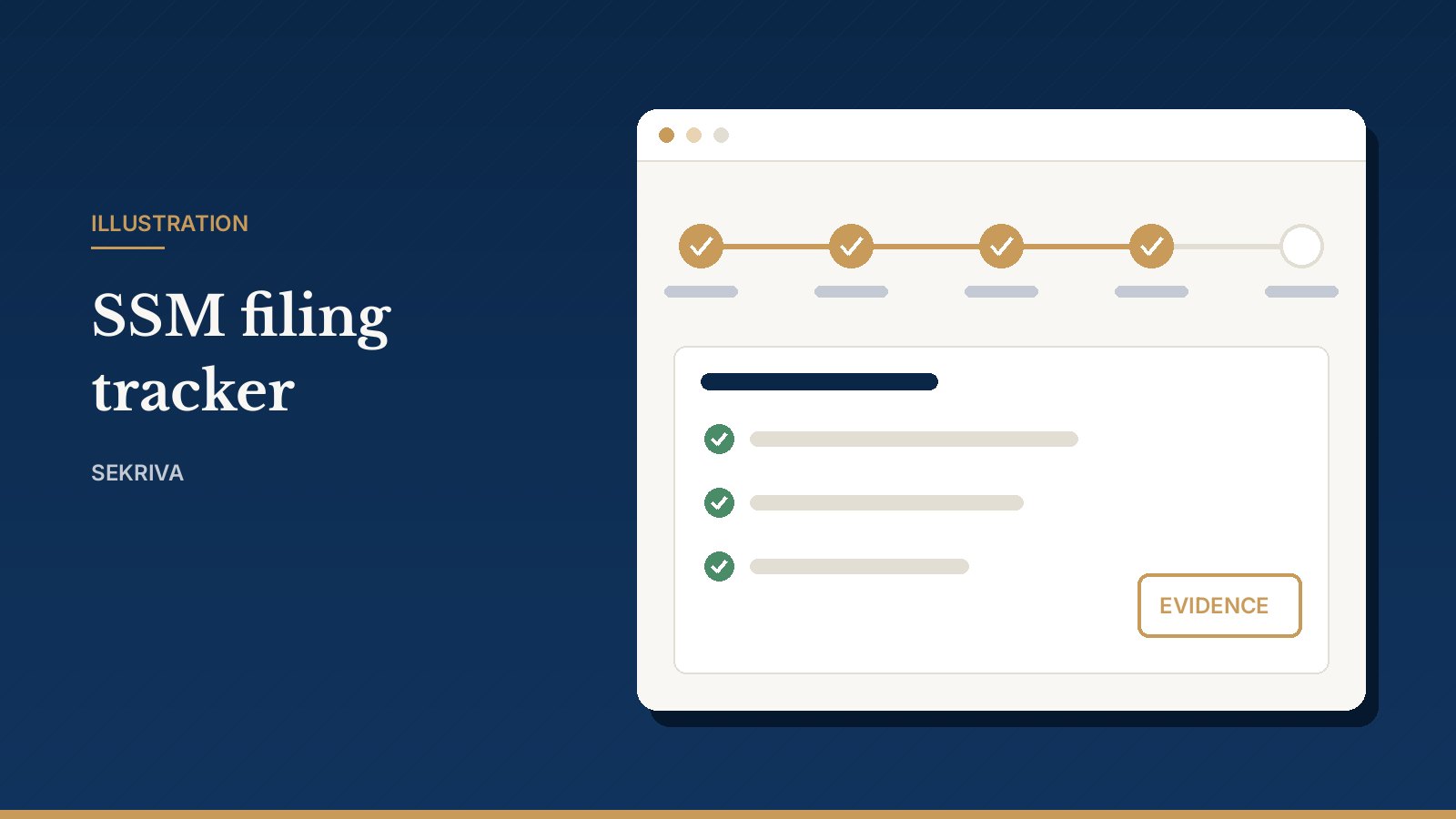
Many tracking tools let anyone tick “Submitted” on a filing. Months later nobody can say whether it actually went in. Sekriva takes a stricter line, which we call the evidence rule:
Sekriva will not show a filing as submitted or accepted without evidence.
Where filing happens
To be clear about it: you lodge filings on the SSM portal, as you do today. Sekriva does not submit to SSM for you. Its job is to manage the work around the lodgement and keep the proof.
The filing lifecycle
- Prepare. Create the filing, often straight from a compliance obligation or a corporate action, and attach the supporting documents.
- Review. Send it for review. A licensed secretary marks it ready to file.
- Lodge. Lodge it on the SSM portal.
- Record the evidence. Add the portal reference, upload the acknowledgement, or record a manual confirmation. Only then does the status move to submitted or accepted.
Why it matters
- For your clients: when Sekriva says a filing is done, it is done, and you can show them the acknowledgement.
- For your firm: a reviewer and a timestamp sit behind every lodgement. That helps with supervision, with staff turnover and with any later dispute.
- For audits: the evidence lives with the filing, the company and the audit trail, not in someone’s inbox.
The same principle runs through the rest of Sekriva:
- An incorporation is never shown as complete without a registration number and evidence.
- A document cannot be marked official unless it is an uploaded official copy.